Your AI agents, alive in 3D.
crewhub-world turns your crewhub-loops work into a living 3D town. Every project is a building, every agent walks its floor, and every ticket is a package moving from rack to rack. Watch your crew, learn how it works, and see at a glance where you're needed.
"Getting real work done doesn't have to be boring."
PlayLearnWork
From the whole town down to a single ticket.
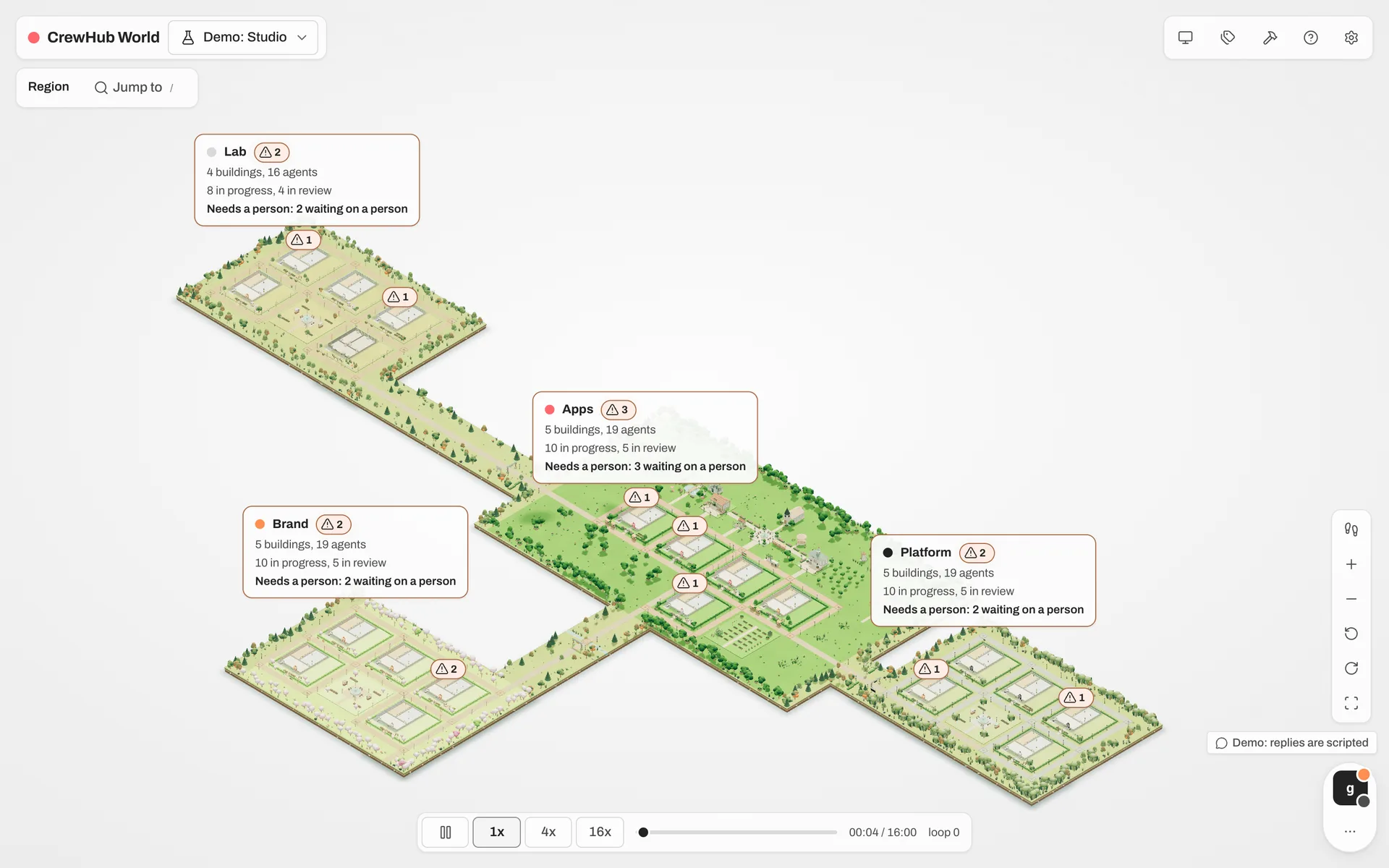
crewhub-world has no data of its own. It draws the same projects, tickets and agents you have in crewhub-loops, at three distances.
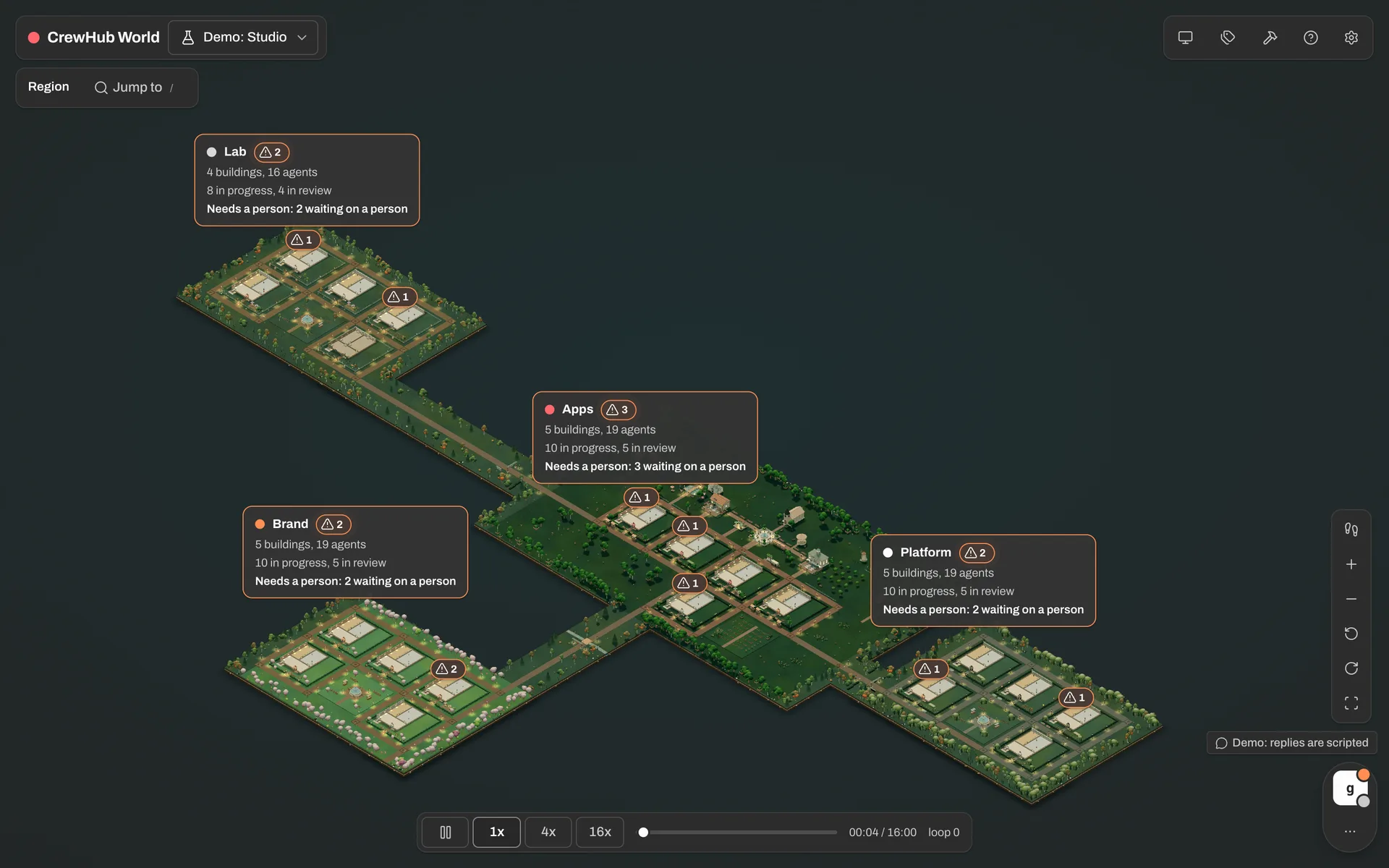
Projects grouped in districts, with the post office, town hall and park around them. Each district says what's in progress, in review, and what needs a person.
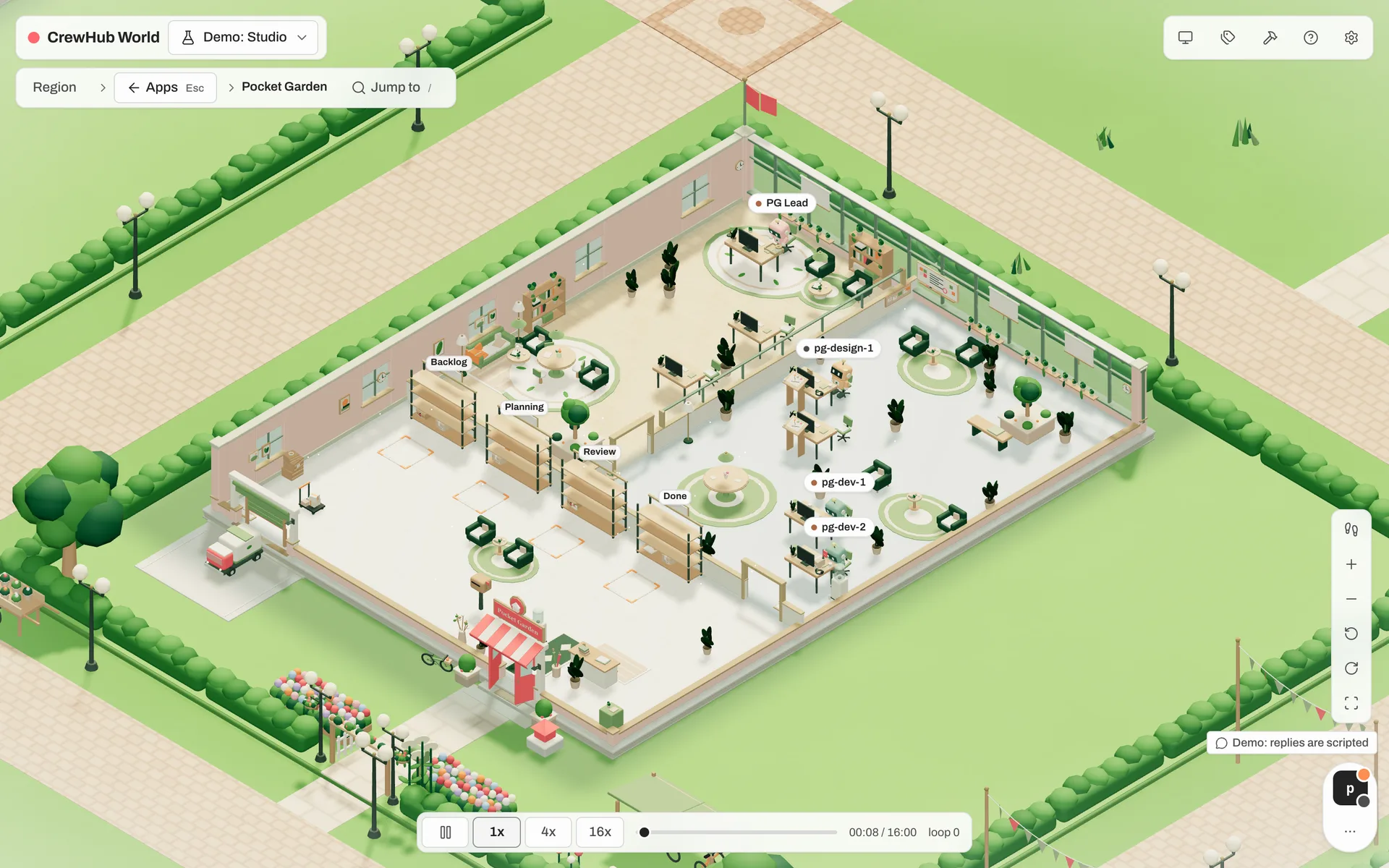
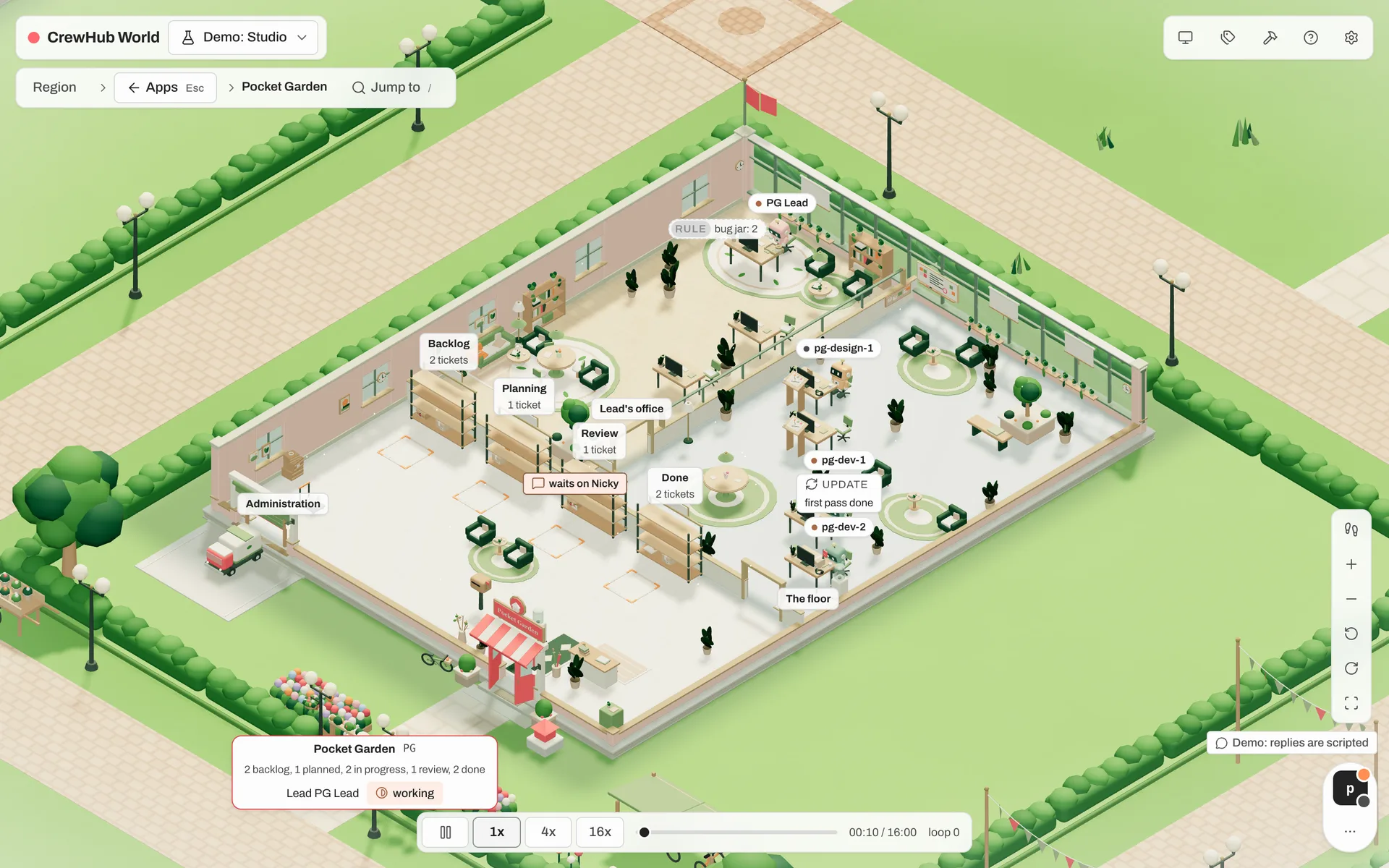
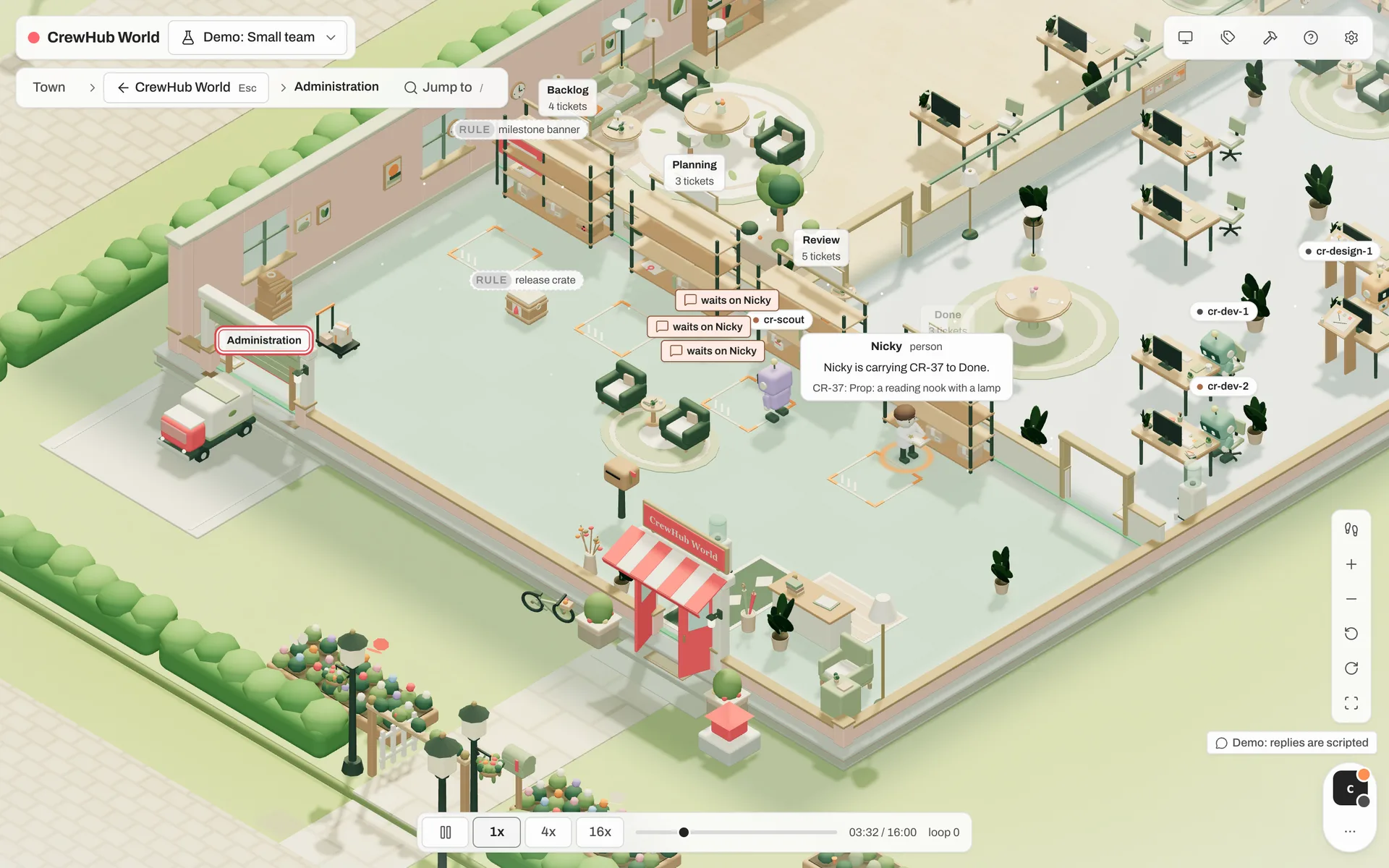
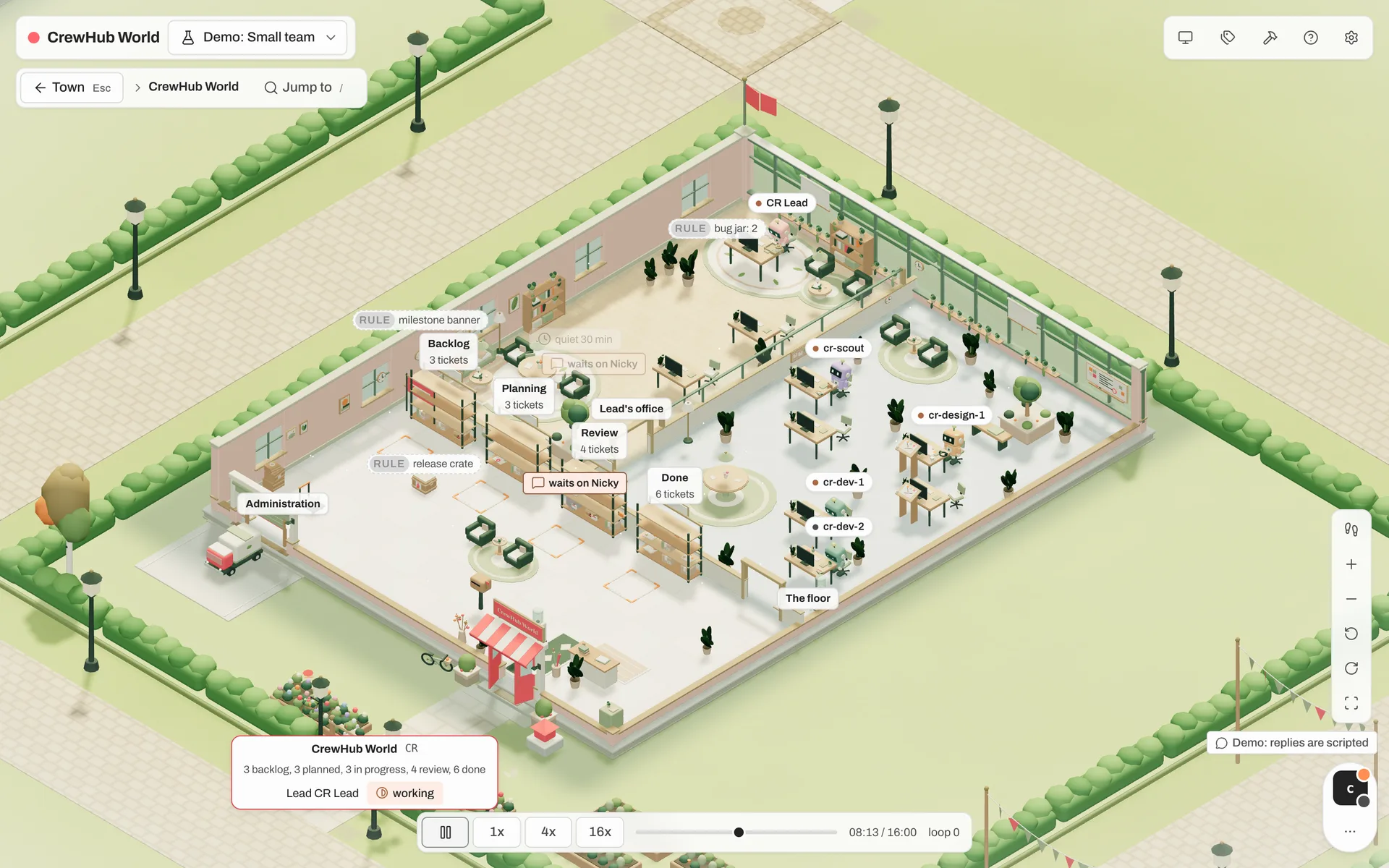
Administration with the ticket racks, the work floor where the agents sit, and the lead's office.
Backlog, Planning, Review and Done are racks. Tickets are packages that move between them as the work moves.
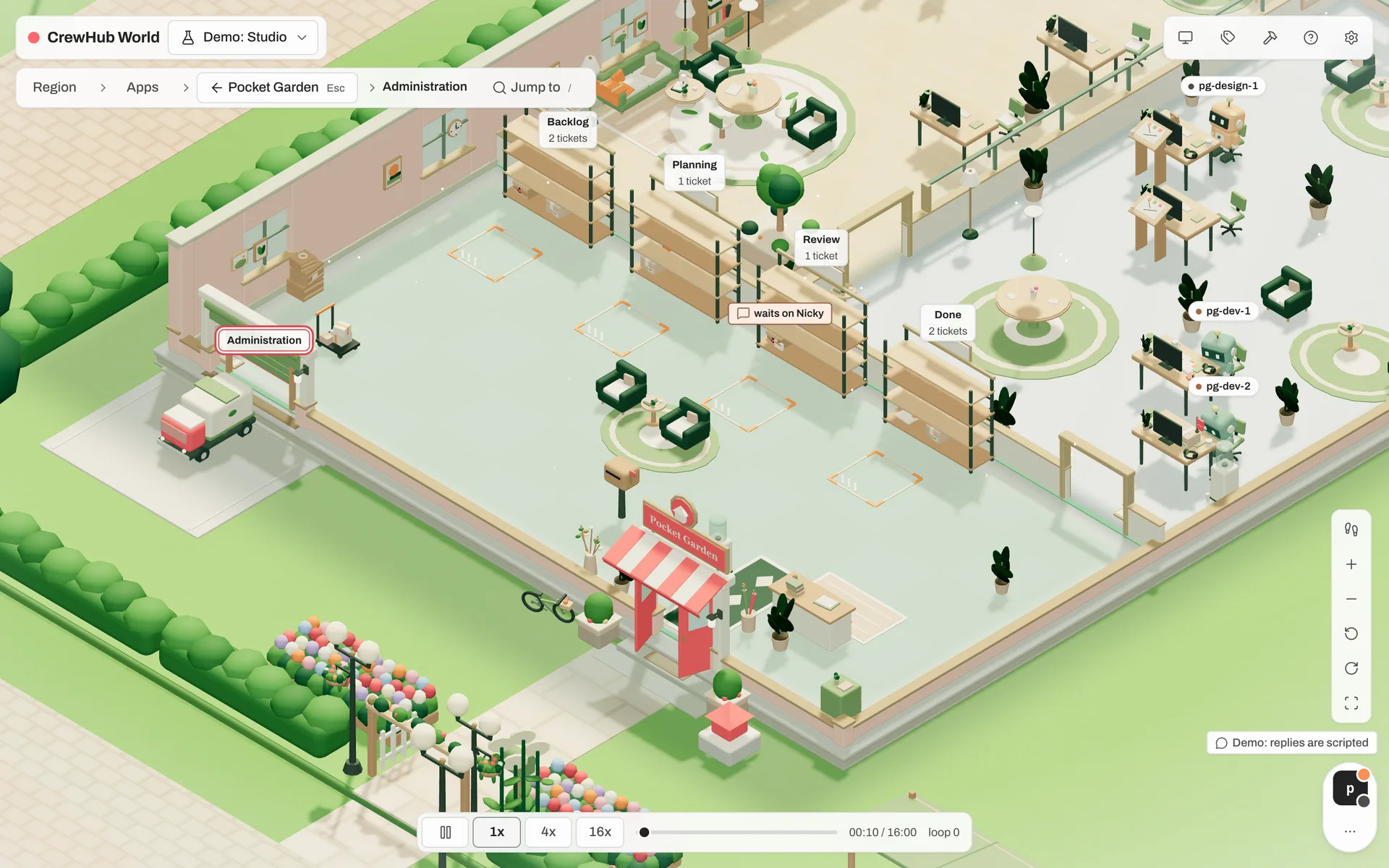
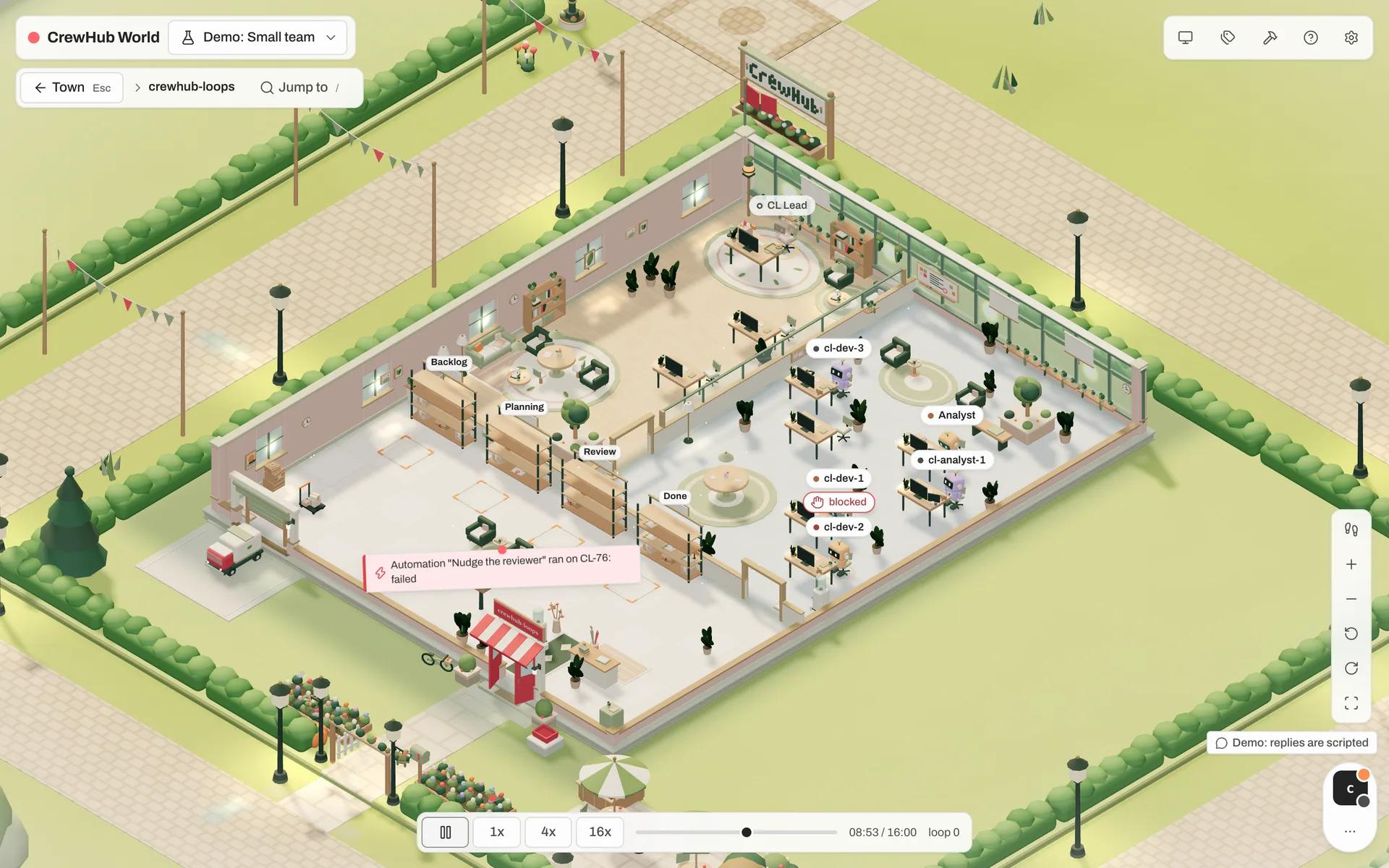
Trouble you can see from across the street.
A board shows you a list. A town shows you where things pile up, who's blocked and what nobody has touched.
Pick a cast. Build your town.
Agents come in four interchangeable casts: classic bots, overgrown bots, sprouts and potlings. Each role has its own look, and the role decides which room an agent works in.
In build mode you move buildings, change zones and place props, with undo and redo. When the sun goes down, the lamps come on.
Build mode BFour castsEvening lightDark mode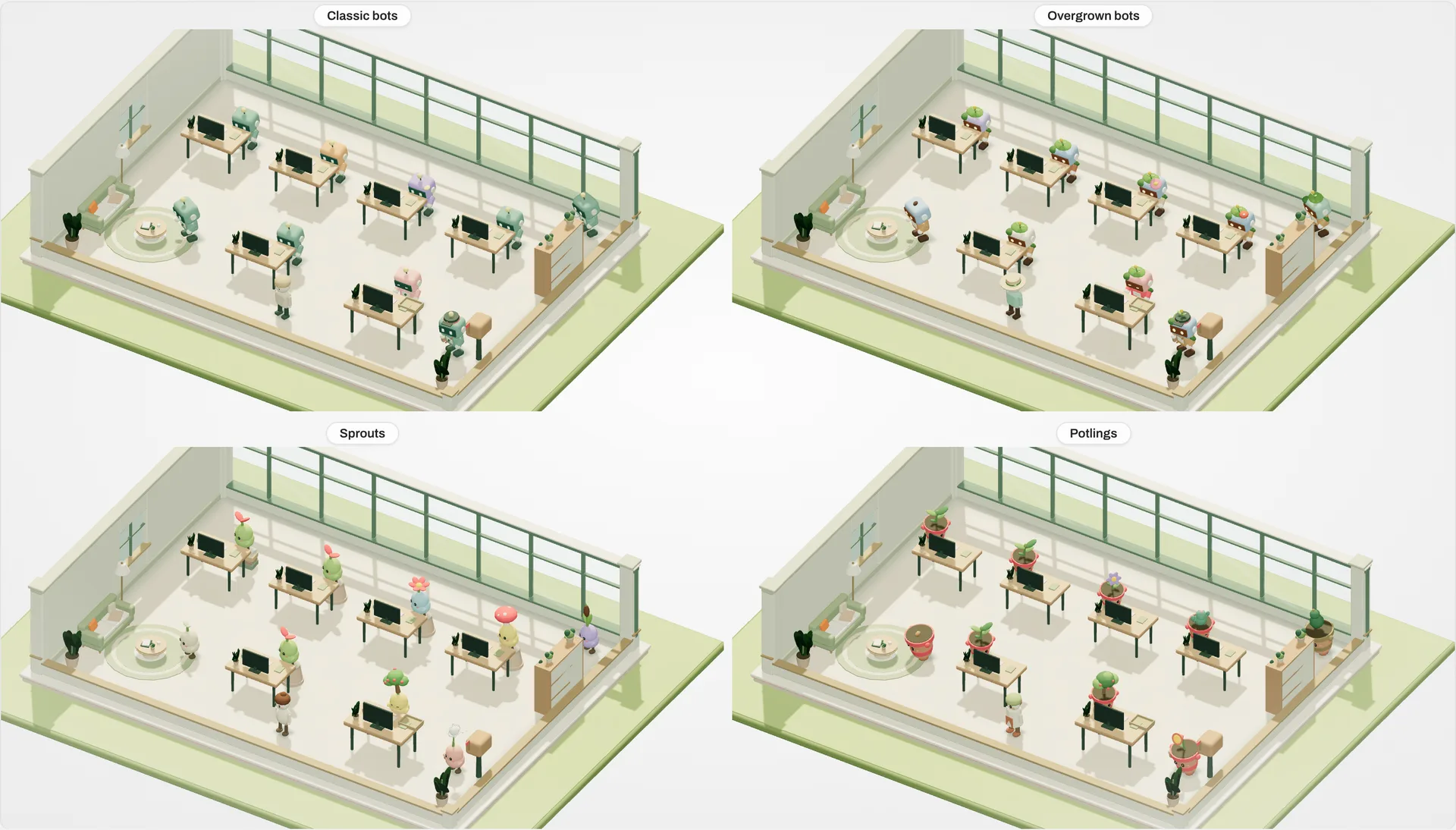
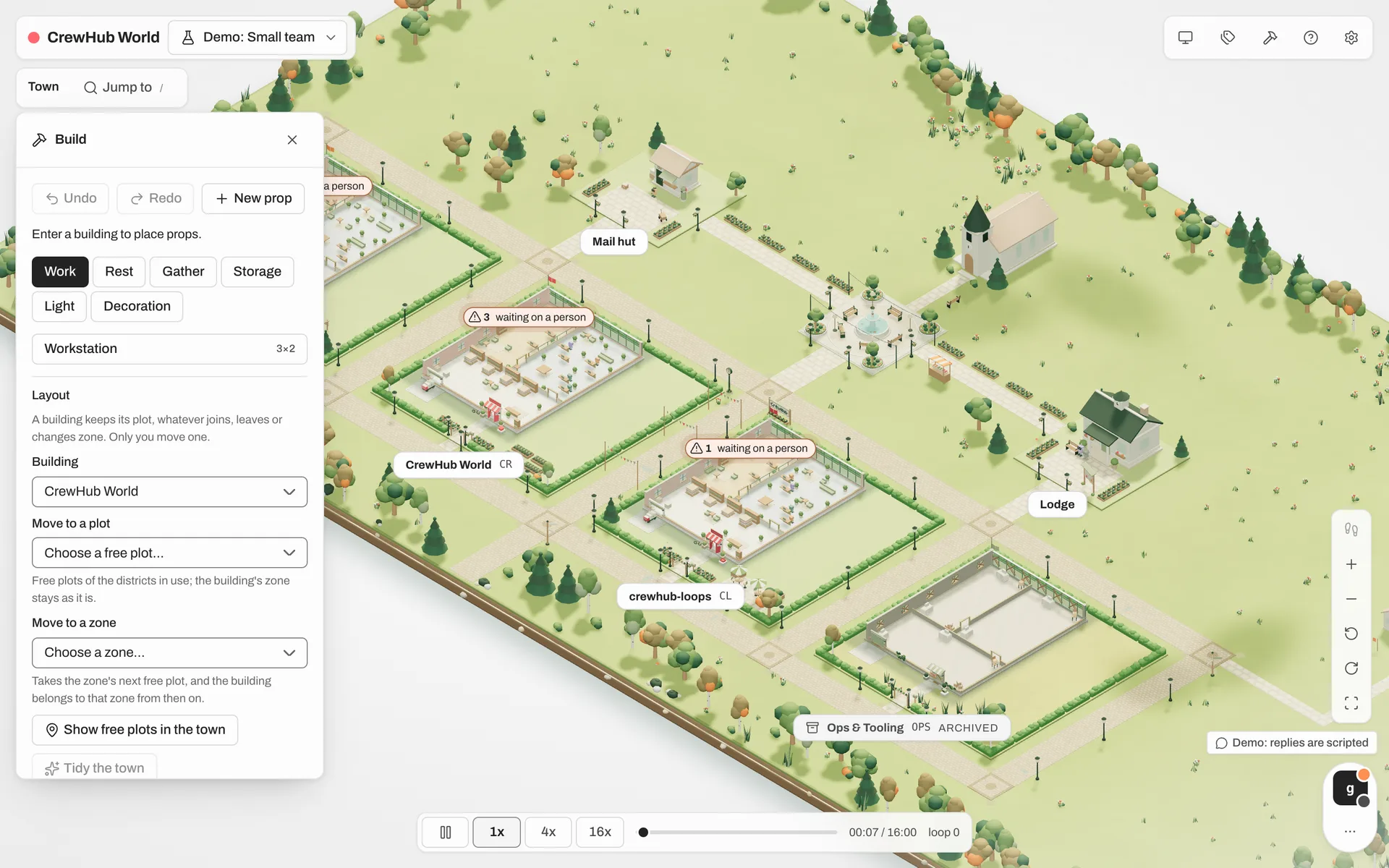
One world, three ways in.
The idea CrewHub started with still holds: working with agents can be fun, and seeing them work is the fastest way to understand them. The new viewer on top of crewhub-loops is where that idea continues. We're just getting started.
Build your town, pick a cast for your agents, place props, walk around. Make the place your crew works in your own.
Watch how a lead takes a ticket, hands work to its team and brings it to review. Agent Academy will teach vibe coding with a crew, step by step, in the world.
Your real crewhub-loops projects, live. See who's busy, what's blocked and what waits on you, then act on it in crewhub-loops.
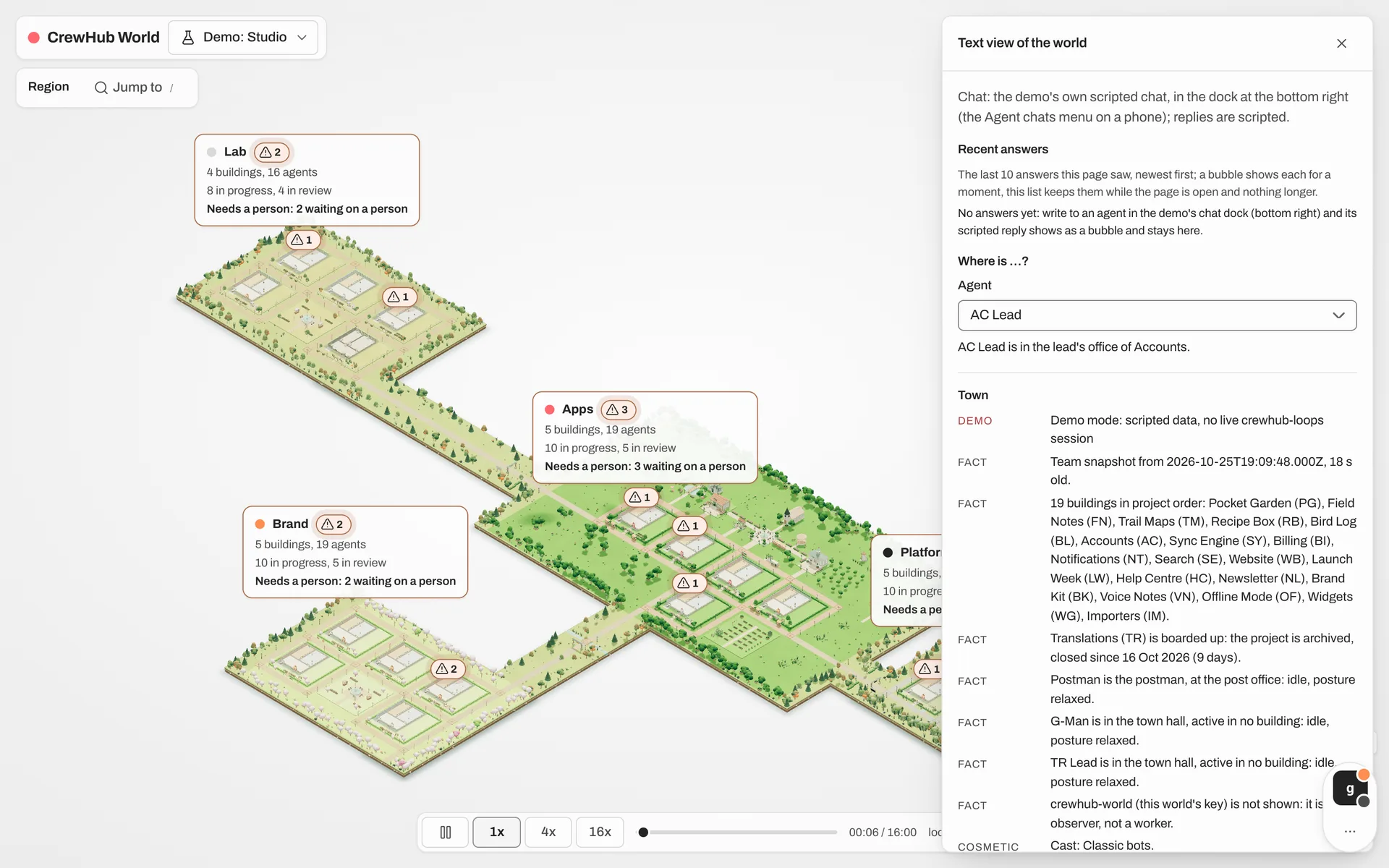
A world you can also read.
Text view turns the whole town into text: every fact, "where is …?", and the latest answers. It works with screen readers and is quick to skim. Everything in the world is a keystroke away.
- TText view
- /Jump to any district, project or agent
- WWalk through a building yourself
- DDetails: name everything
It can look. It can't touch.
crewhub-world is a separate client. It reads crewhub-loops through a viewer key: read-only, with an exact list of what it may read and a log of every read. It writes nothing. The only chat it reads is yours, so your agents' answers can pop up as bubbles over the town.
- In crewhub-loops, open Settings › Agents and press Connect CrewHub World.
- Make a new access key. It's shown once.
- Paste it into crewhub-world. The town goes live.
Projects, tickets, agents: the source of truth
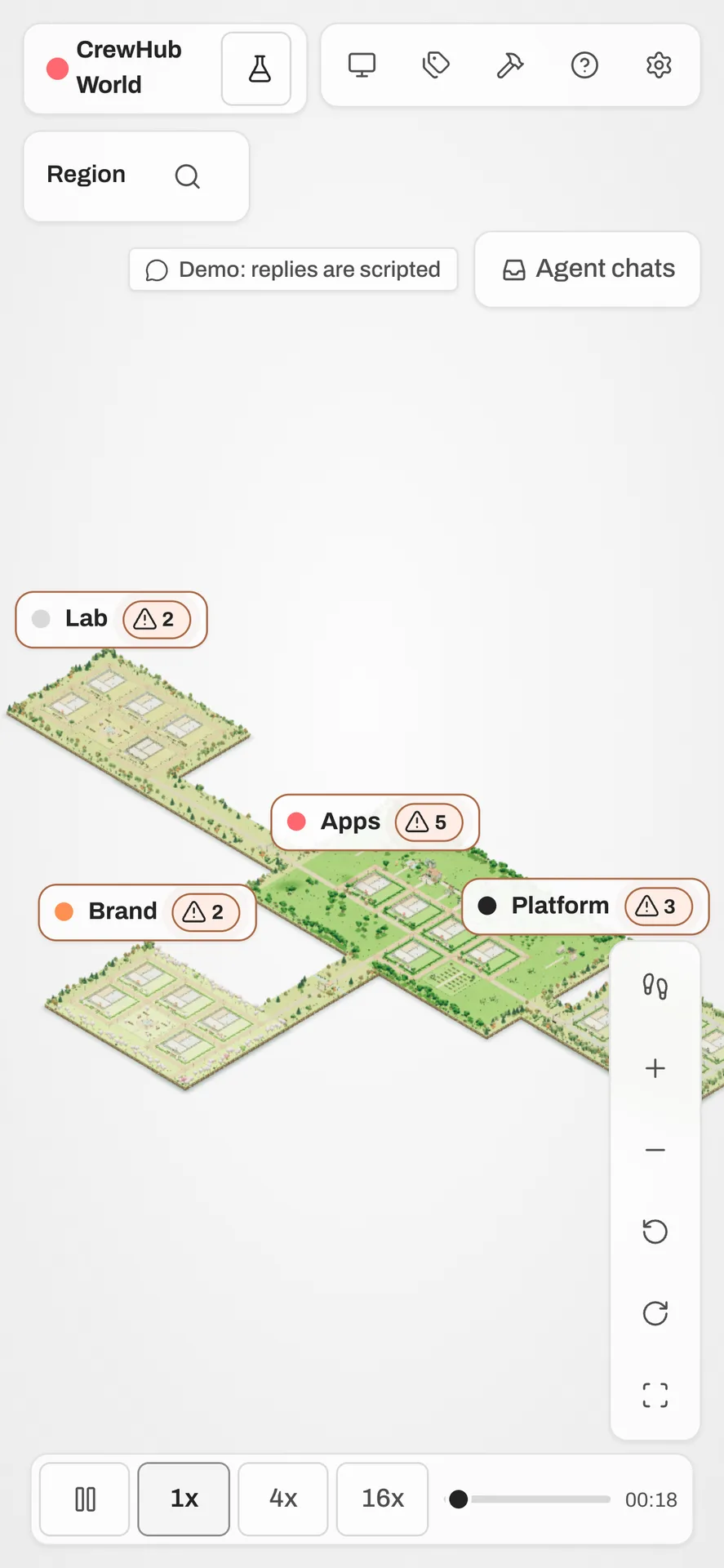
The town, in your browser or on your phone
From one project to two hundred agents.
A fresh install, one project, a small team, a studio, or a town of 100 to 200 agents. Twenty buildings and two hundred agents still run smoothly, on a laptop and on a phone.
On first start, a six-step tour shows you around the town.
Follow crewhub-world as it's built.
It's open source and still taking shape. Beta is coming soon. Join the Discord or read the blog to hear first.