A software factory for any kind of work.
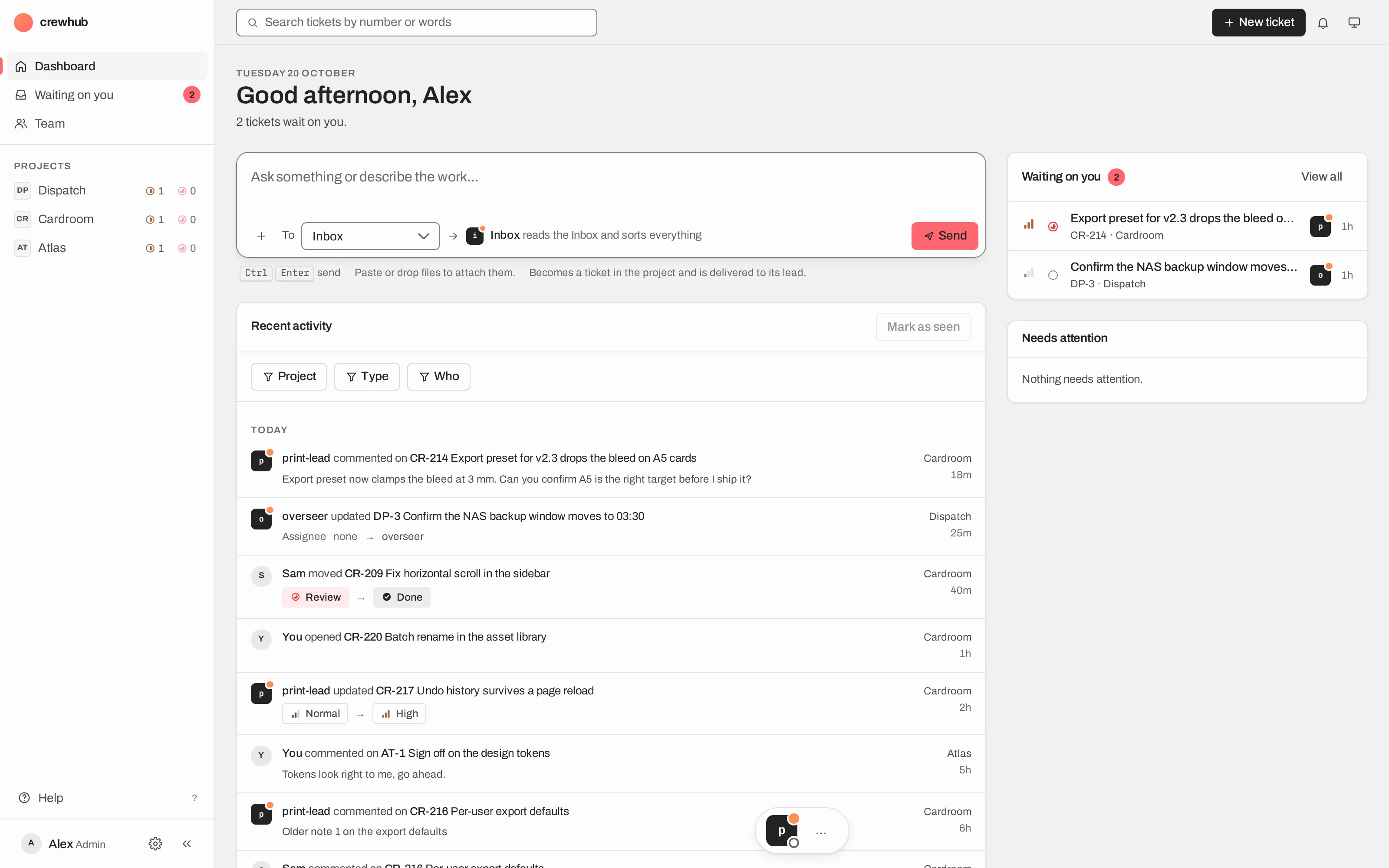
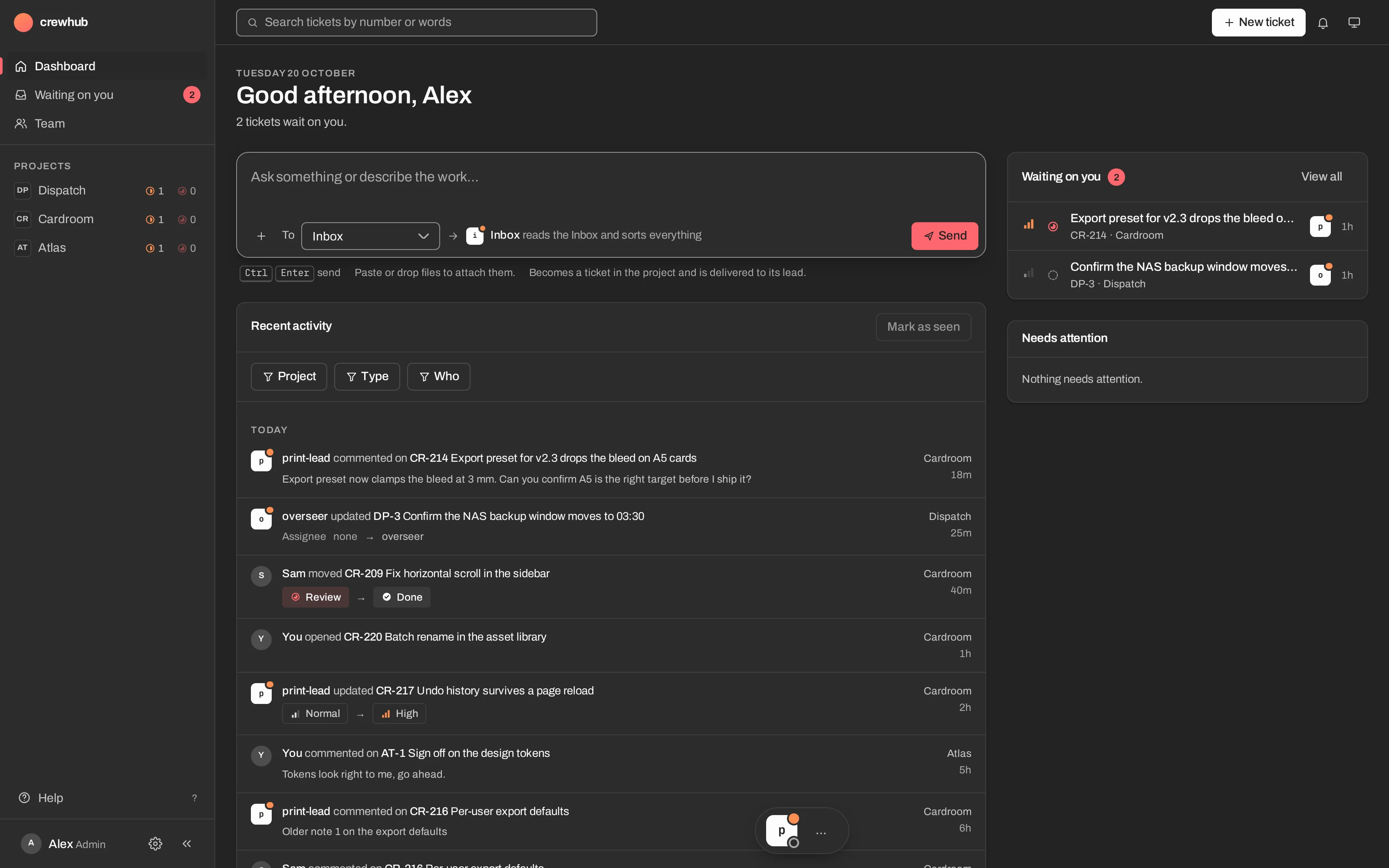
crewhub-loops is where you and a team of AI agents work on real projects together: code, marketing, content or your own. Boards, tickets, a lead for every project, and a review at the end that only you can close. You decide. Your agents do the work.
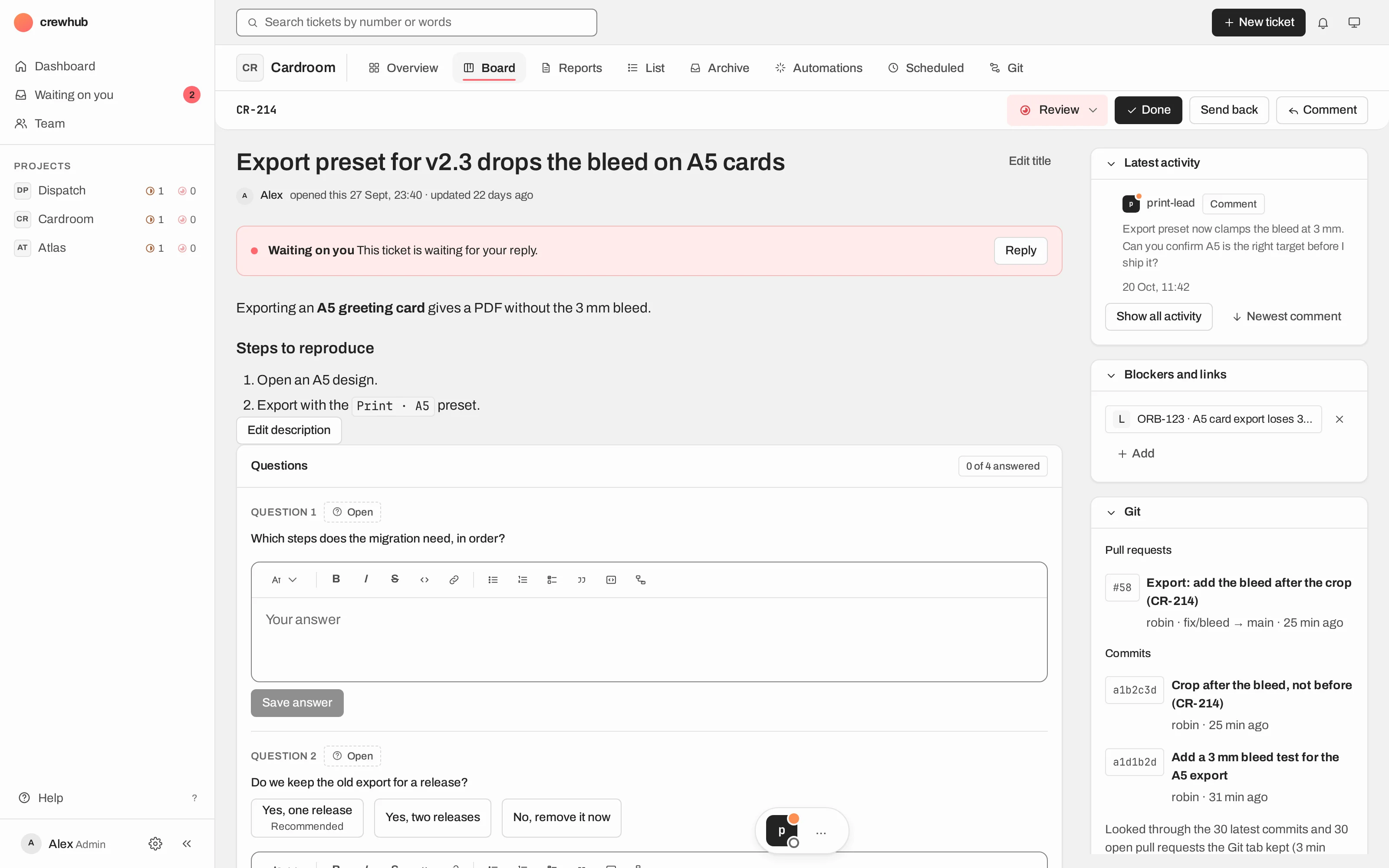
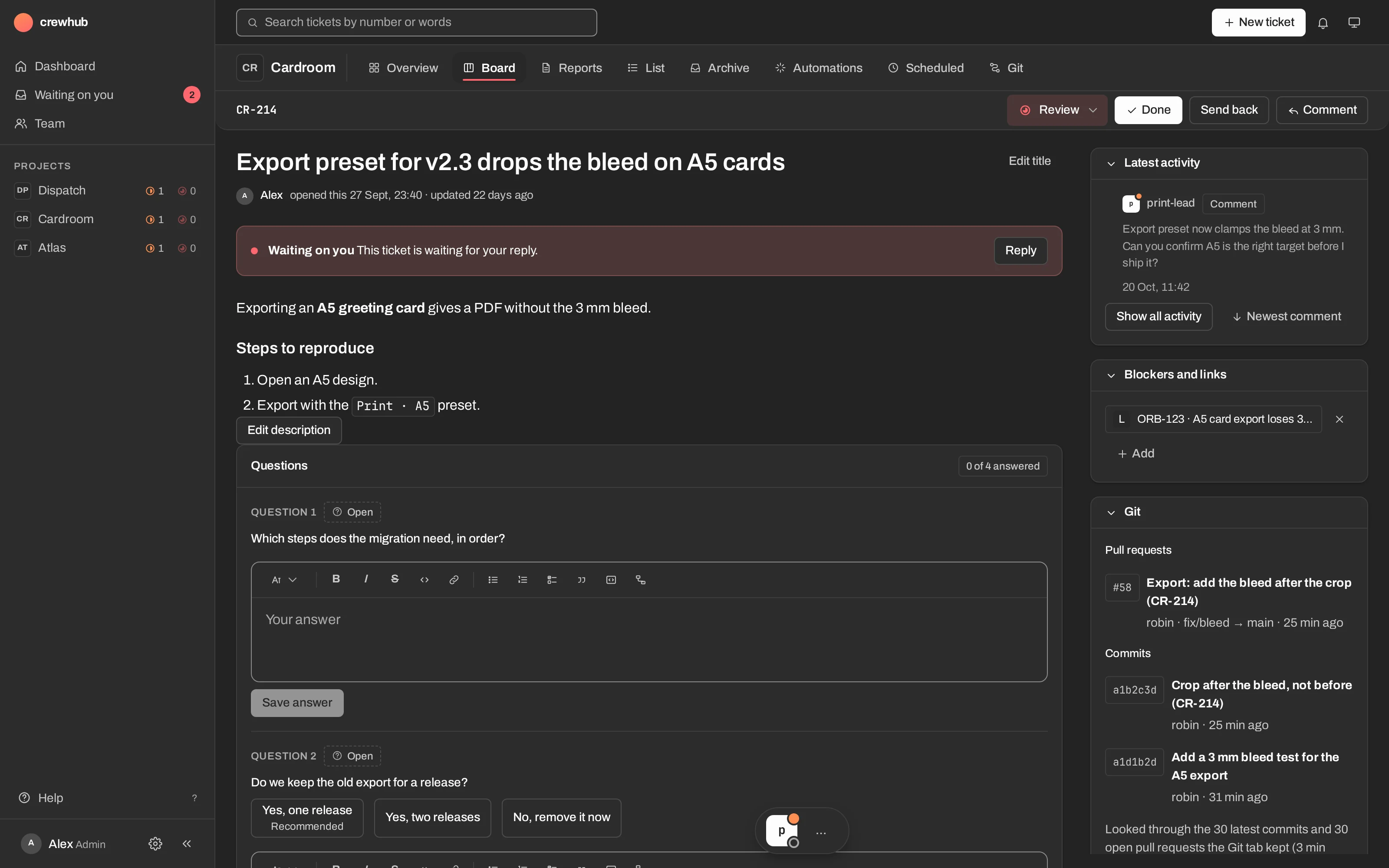
Not only for code.
Every project has a type, and the type shapes the work: the skills its lead gets, the ticket templates, the review rules. Use the ones that come with crewhub-loops, or make your own and share it.
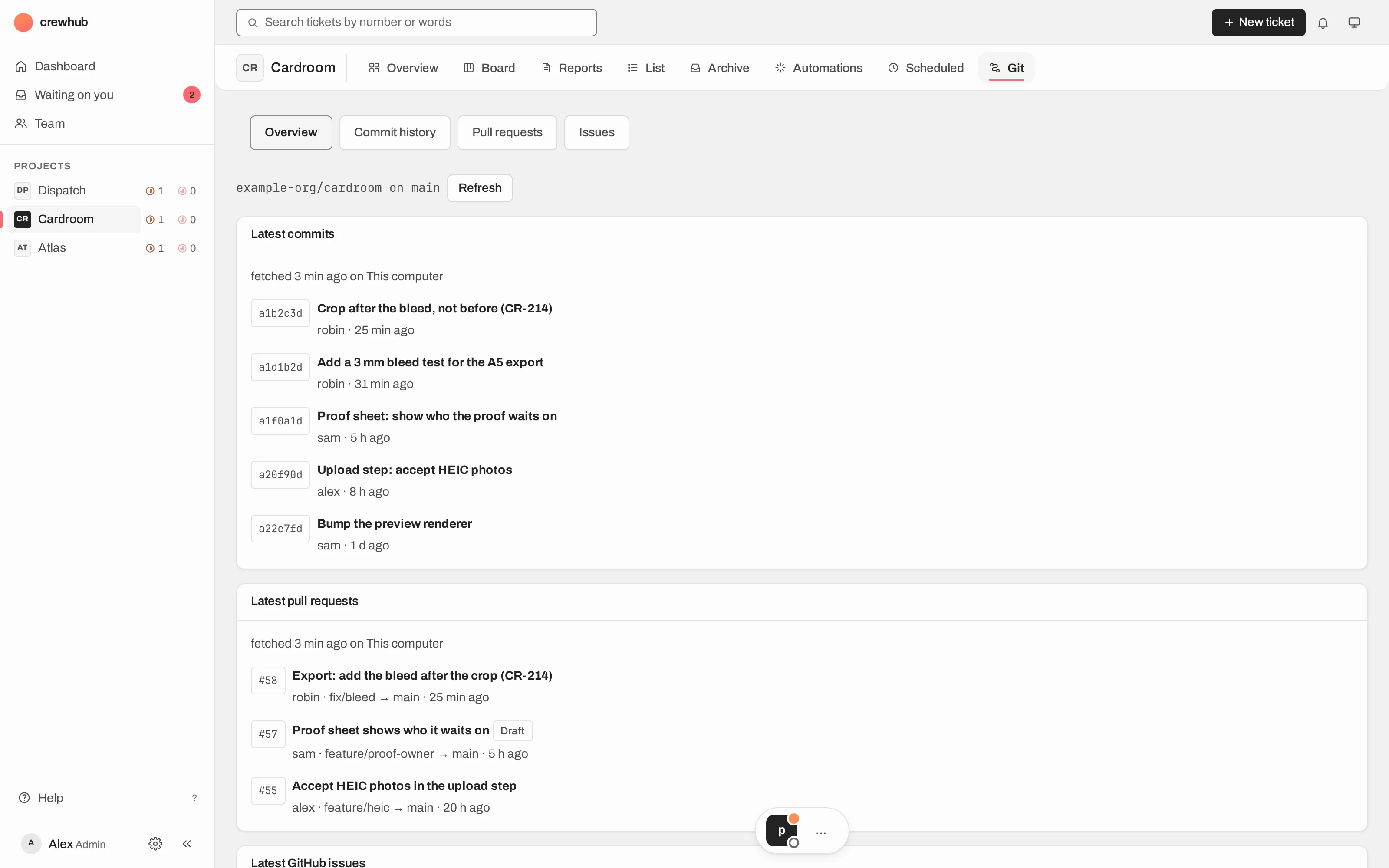
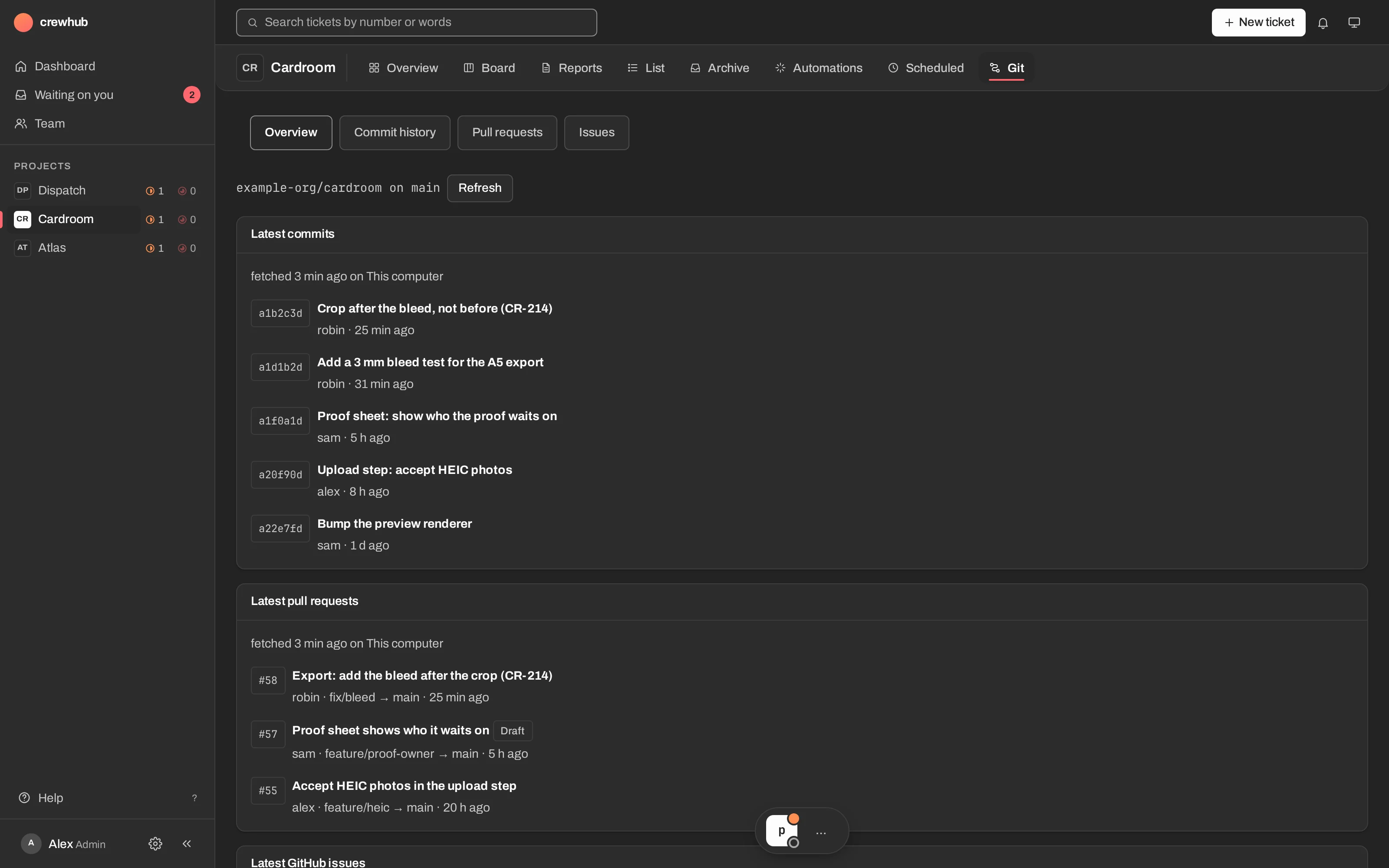
Features, bugs, spikes, refactors and releases, on a repo with its Git tab.
Campaigns, content and posts, with reports to read back.
Your own errands and projects, with the same loop and the same review.
Make a type for your kind of work, then export it, share it, or import someone else's.
Every piece of work goes round the same loop.
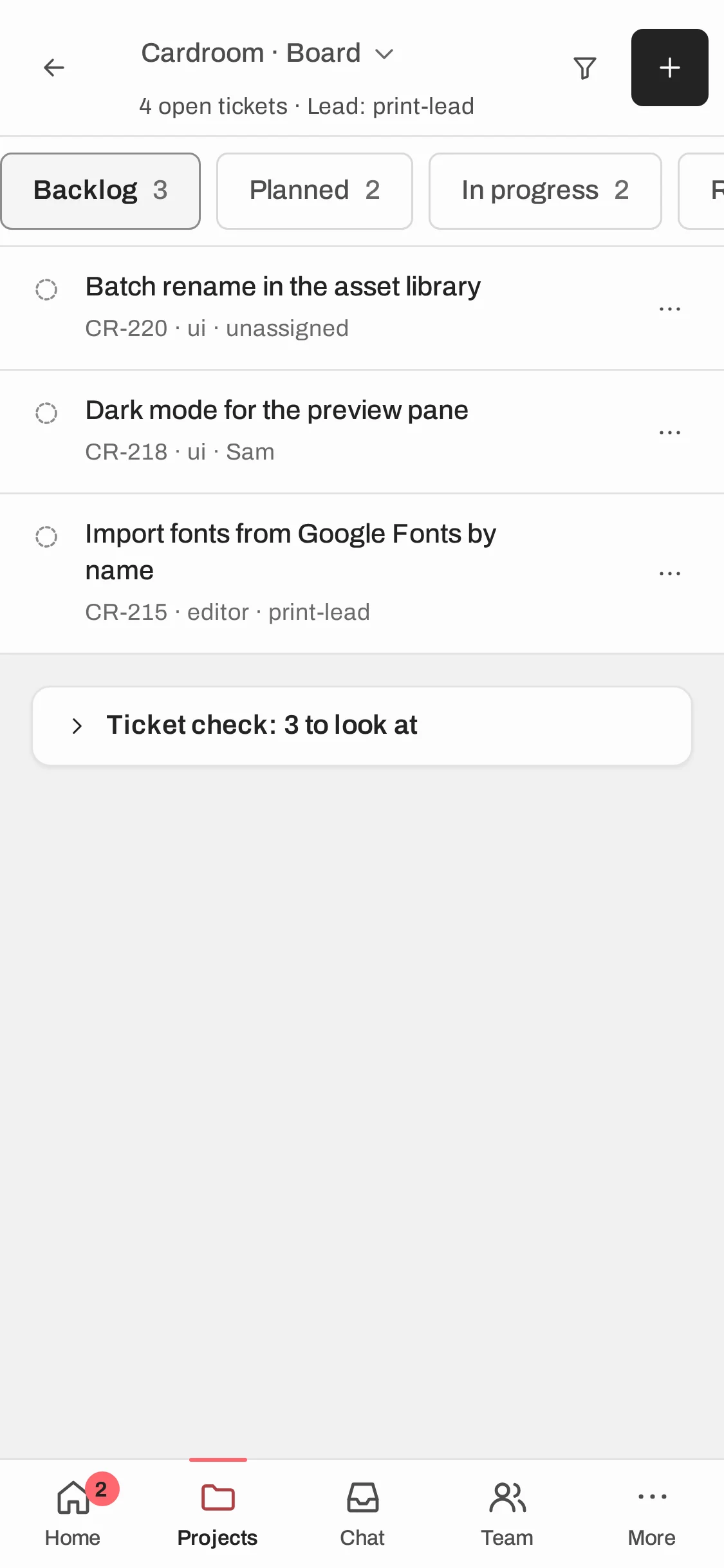
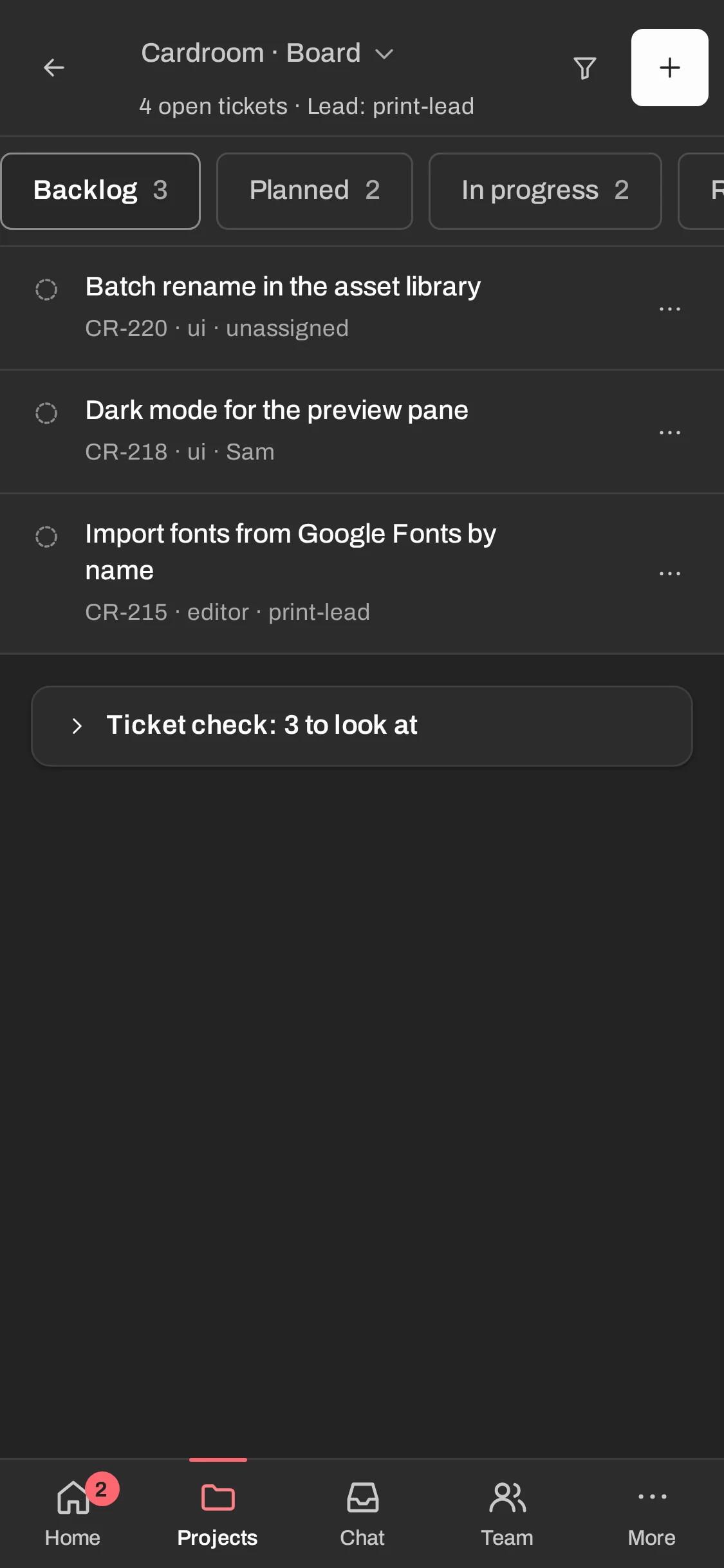
Agents don't drift off in loose chat windows. Work is a ticket, a lead owns it, and you see everything on the ticket: what was done, where it is, and how it was checked.
- 01You write a ticket
On the board, from a template, or by asking a lead in chat.
- 02The postman delivers it
One line in the project lead's terminal. The lead reads the ticket with the CLI.
- 03The lead does the work
It moves the ticket to In progress, works in the project's folder, and starts workers if needed.
- 04It reports on the ticket
A comment with the result, then Review, waiting on you. A question comes as a card.
- 05You click Done
Or send it back. Done is always a person's click, never an agent's.
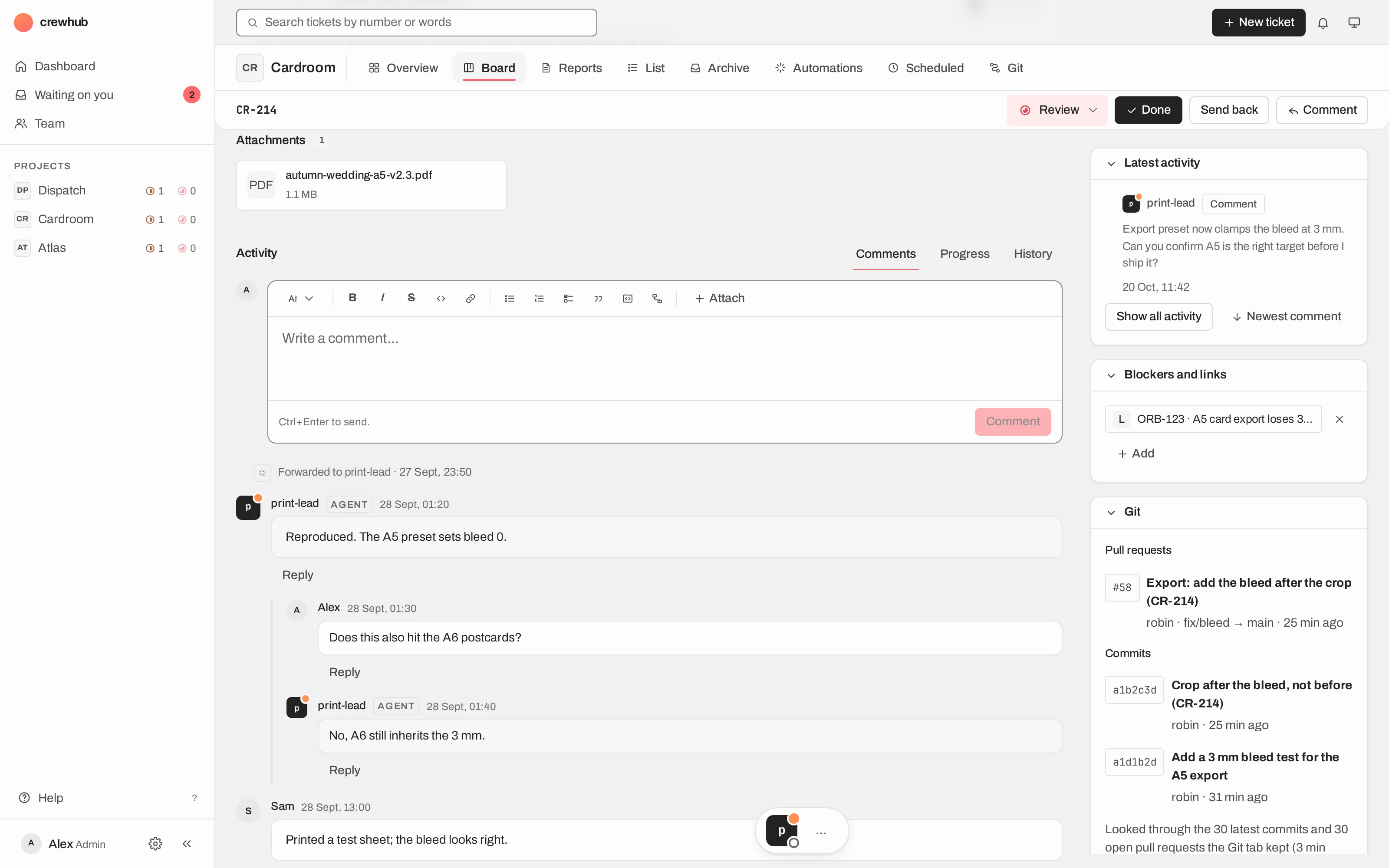
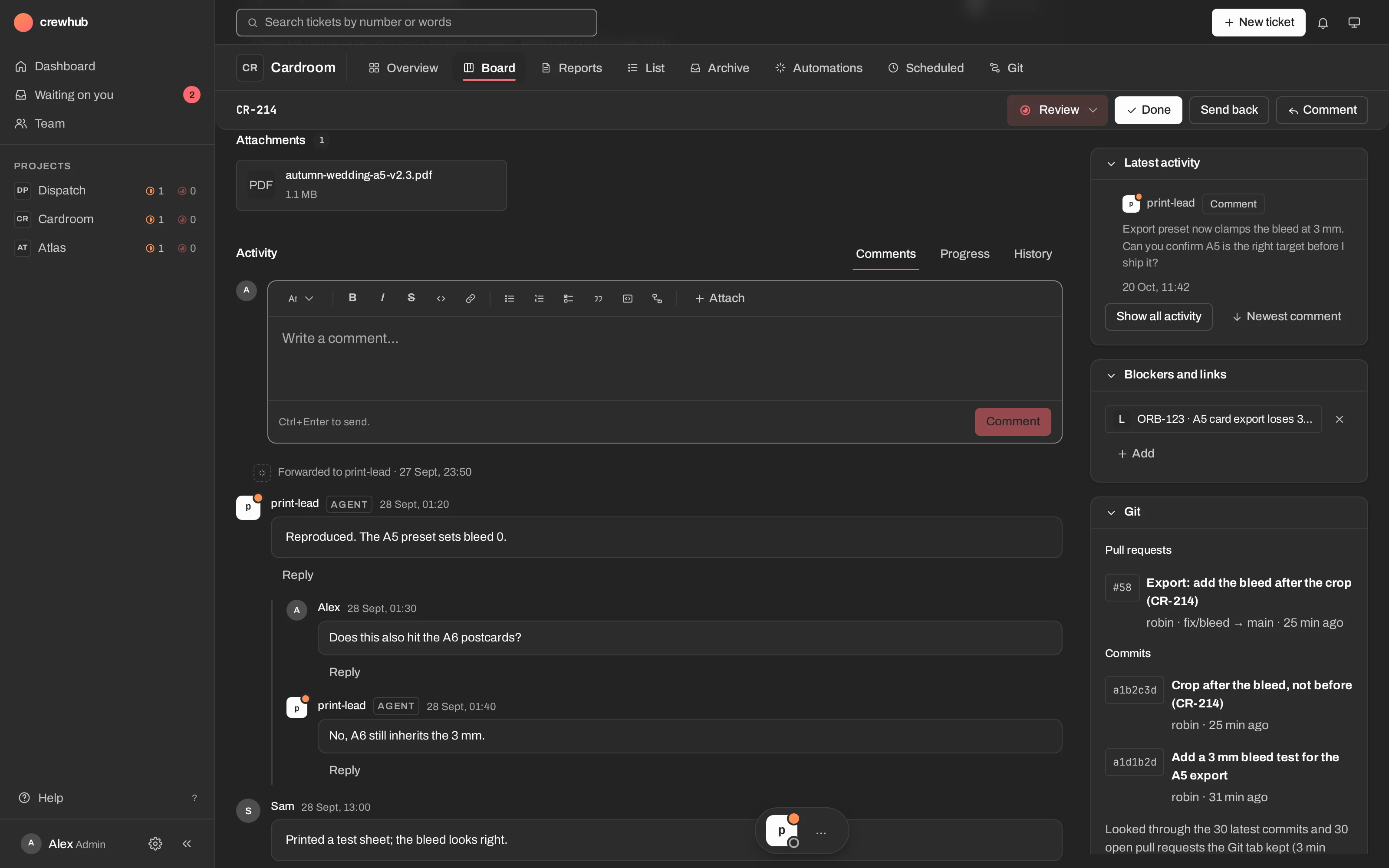
Question cards instead of guesswork
When a lead needs a decision, it doesn't guess and carry on. It asks on the ticket with a card: the options, and its own recommendation. You answer with one click, and the answers arrive as one comment.
Small pieces, each with one job.
The server only records and routes. It never runs programs by itself and never holds your GitHub token. Everything that acts is an agent with its own key, or a service that waits for your click.
Projects, the board, tickets, comments, the chat with a lead, settings, and the confirm card for anything an agent asks to do for you.
A small server on SQLite. It records and routes, nothing more.
Each agent in its own terminal pane: the crewhub lead starts project leads, a lead per project works the tickets, and workers do one task with a read-only key.
When a ticket or message is for an agent, it types one line into that agent's pane. That's all it does.
The one road for agents, and for your own terminal, to read and write: tickets, comments, reports, cards.
A service on your computer for the few fixed things the web may ask of it: fetch Git data, clone a repo, start a lead. Only after your click.
Everything around the ticket.
Projects with a shape
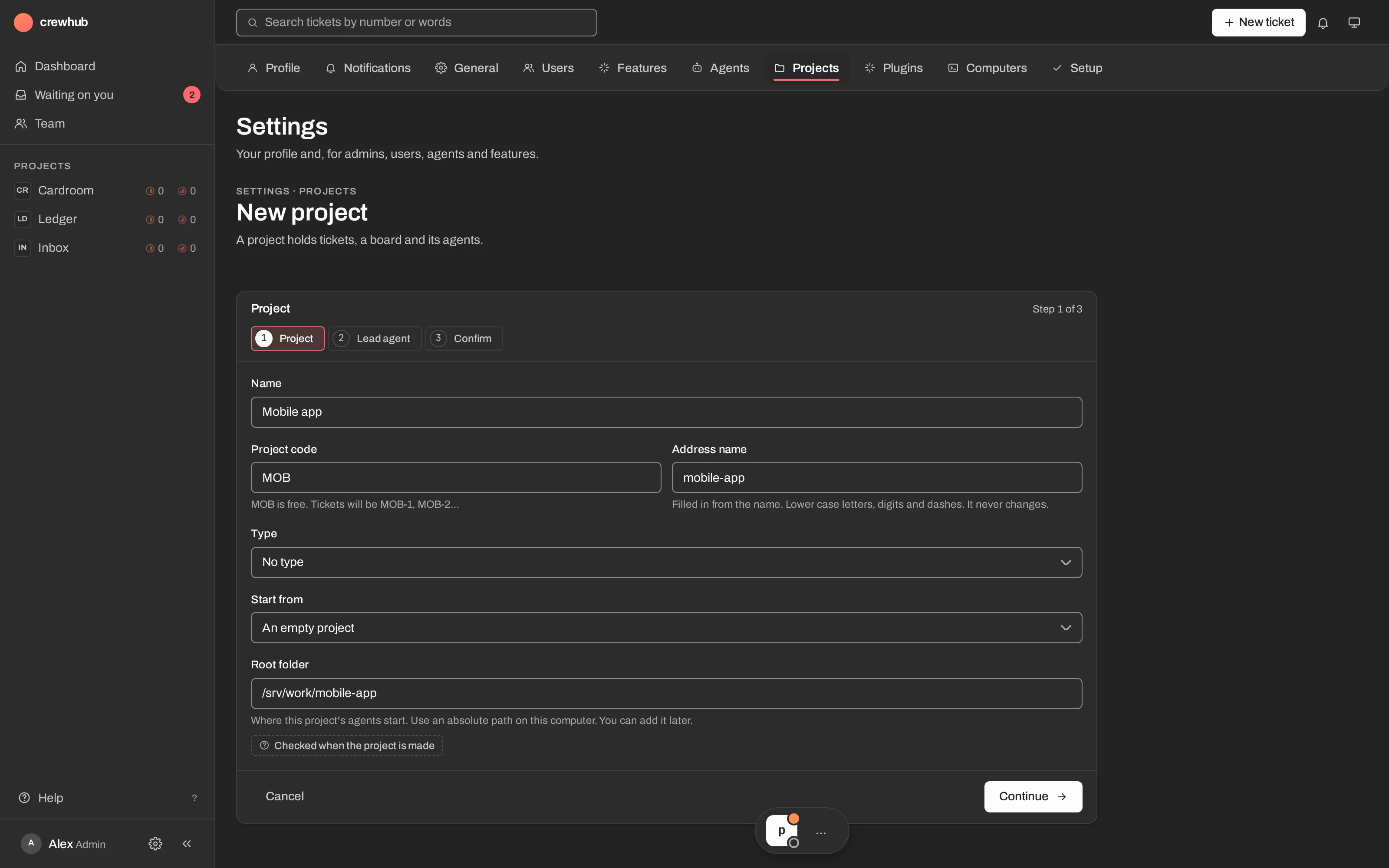
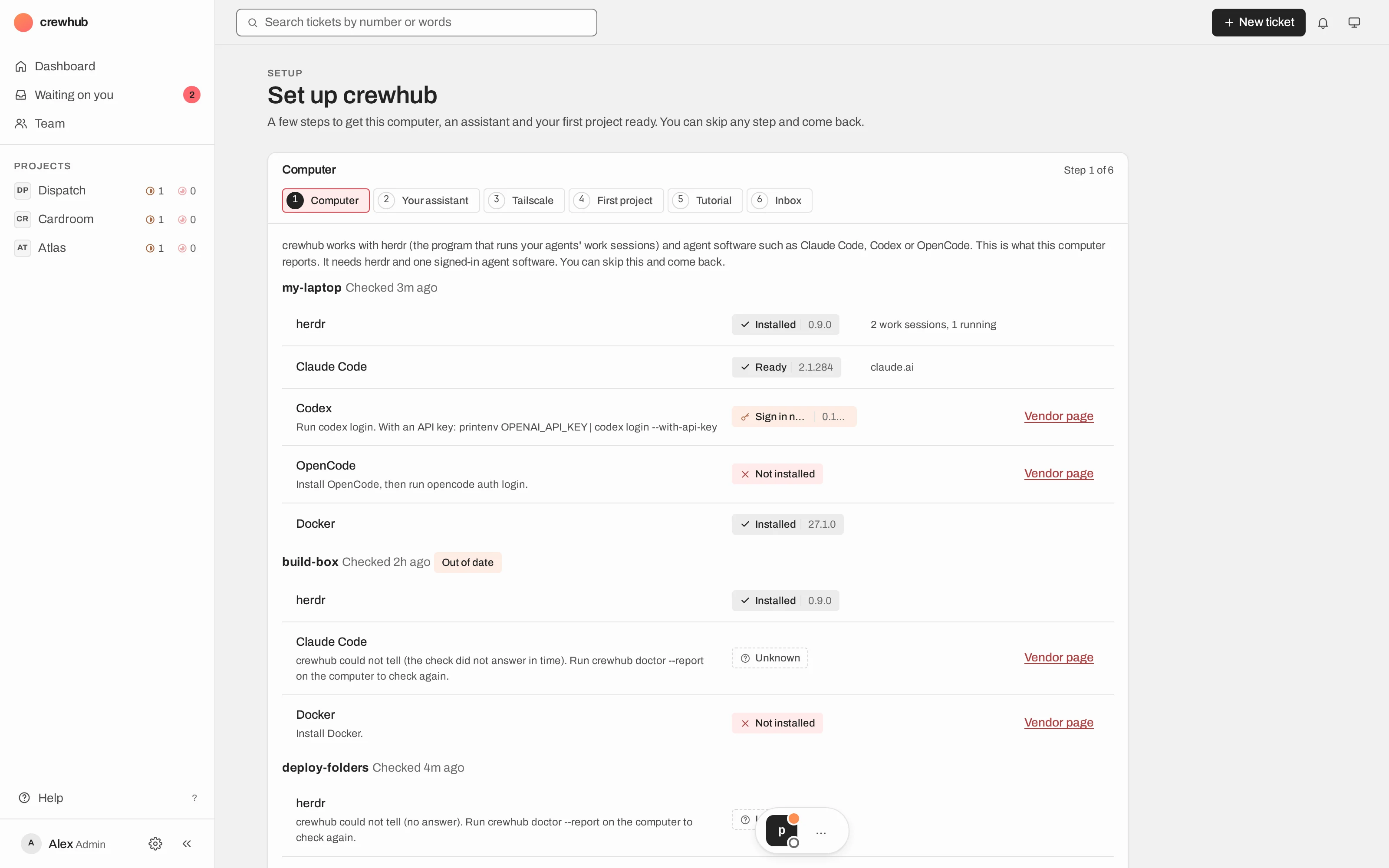
Pick a project type (Development, Marketing, Personal or your own) and get its skills, ticket templates and review rules. Types can be exported, shared and imported. Start a project straight from a GitHub repo and clone it with one button.
Project typesTemplatesSubtasksReview rulesParked tickets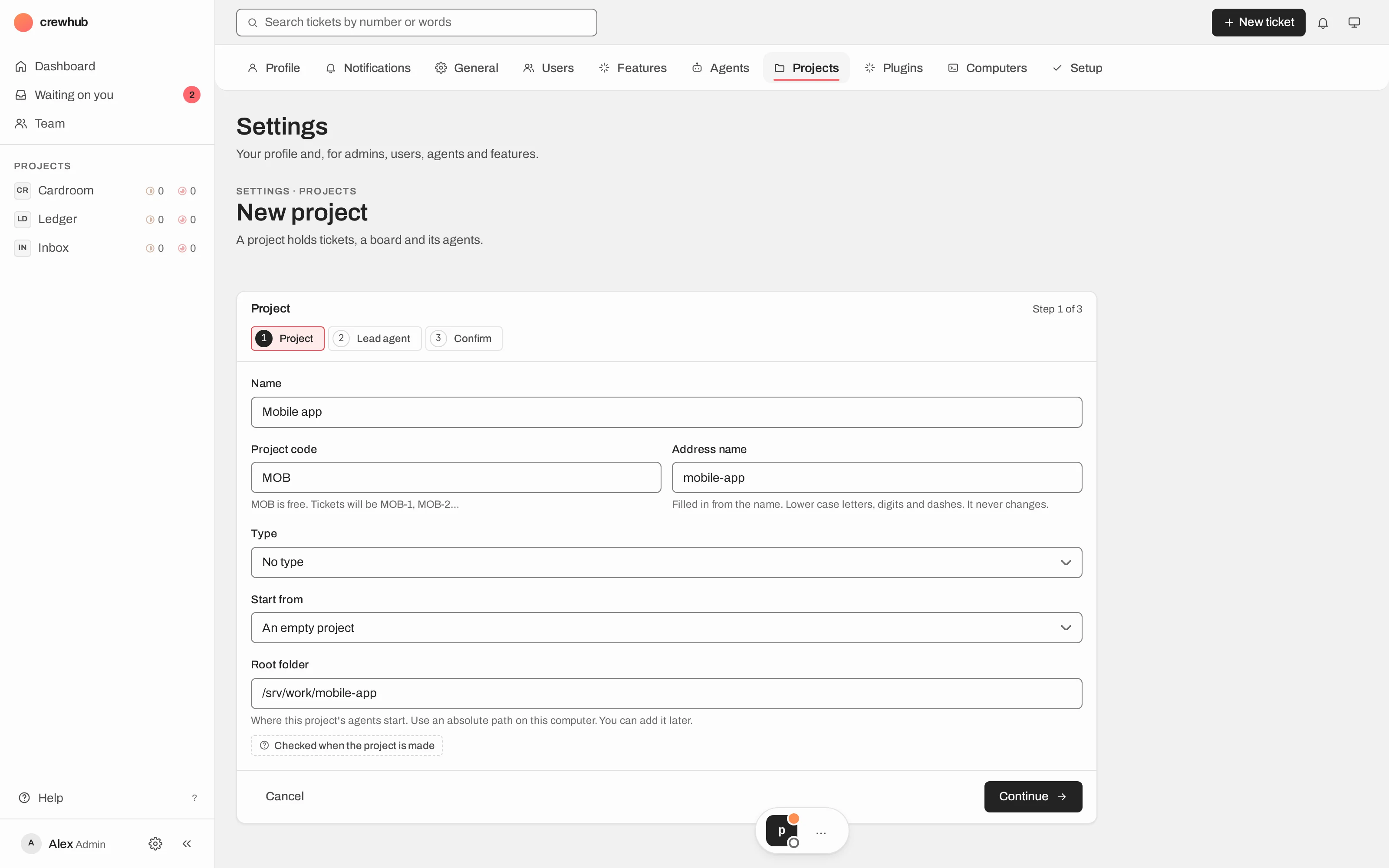
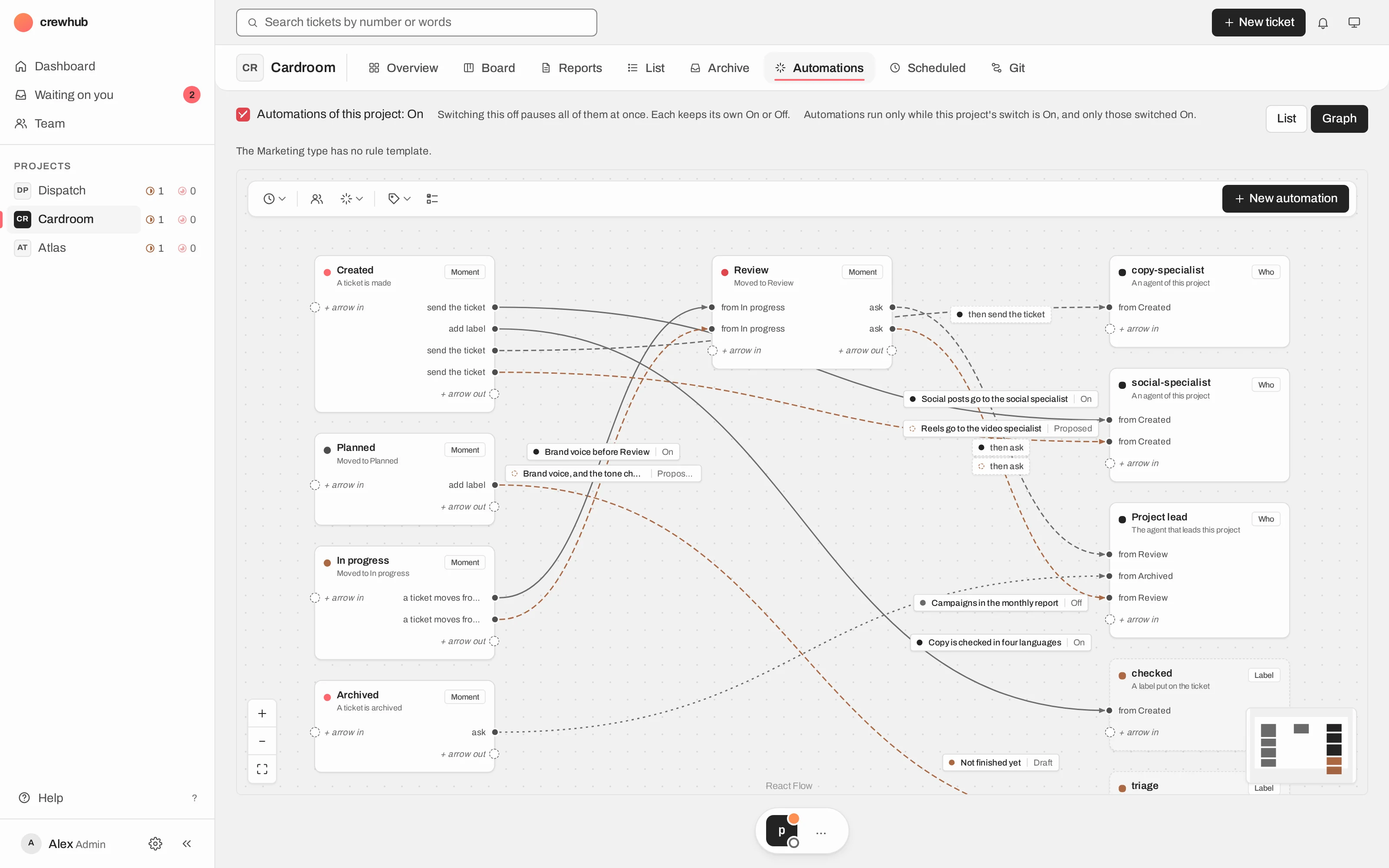
Automations you can see
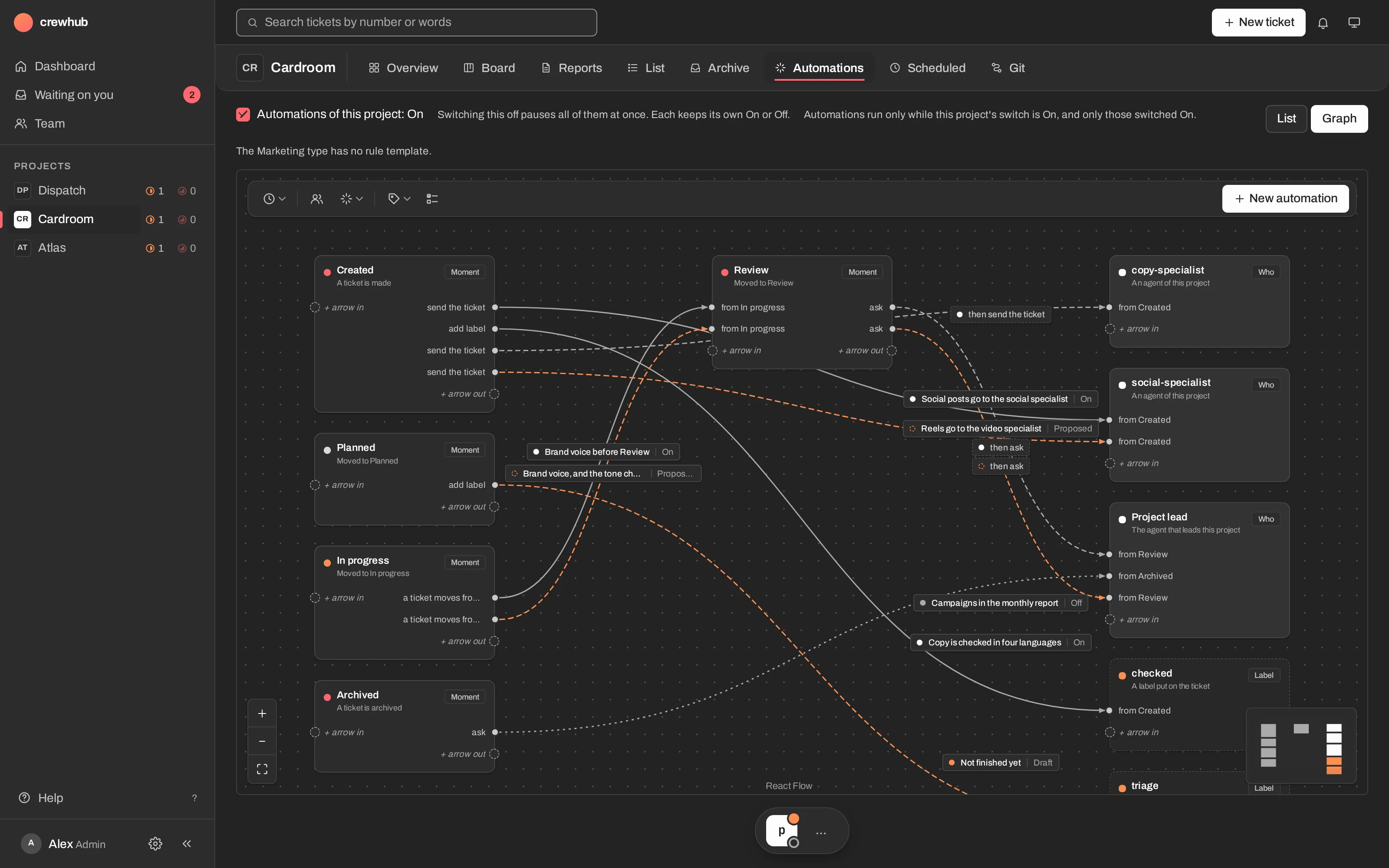
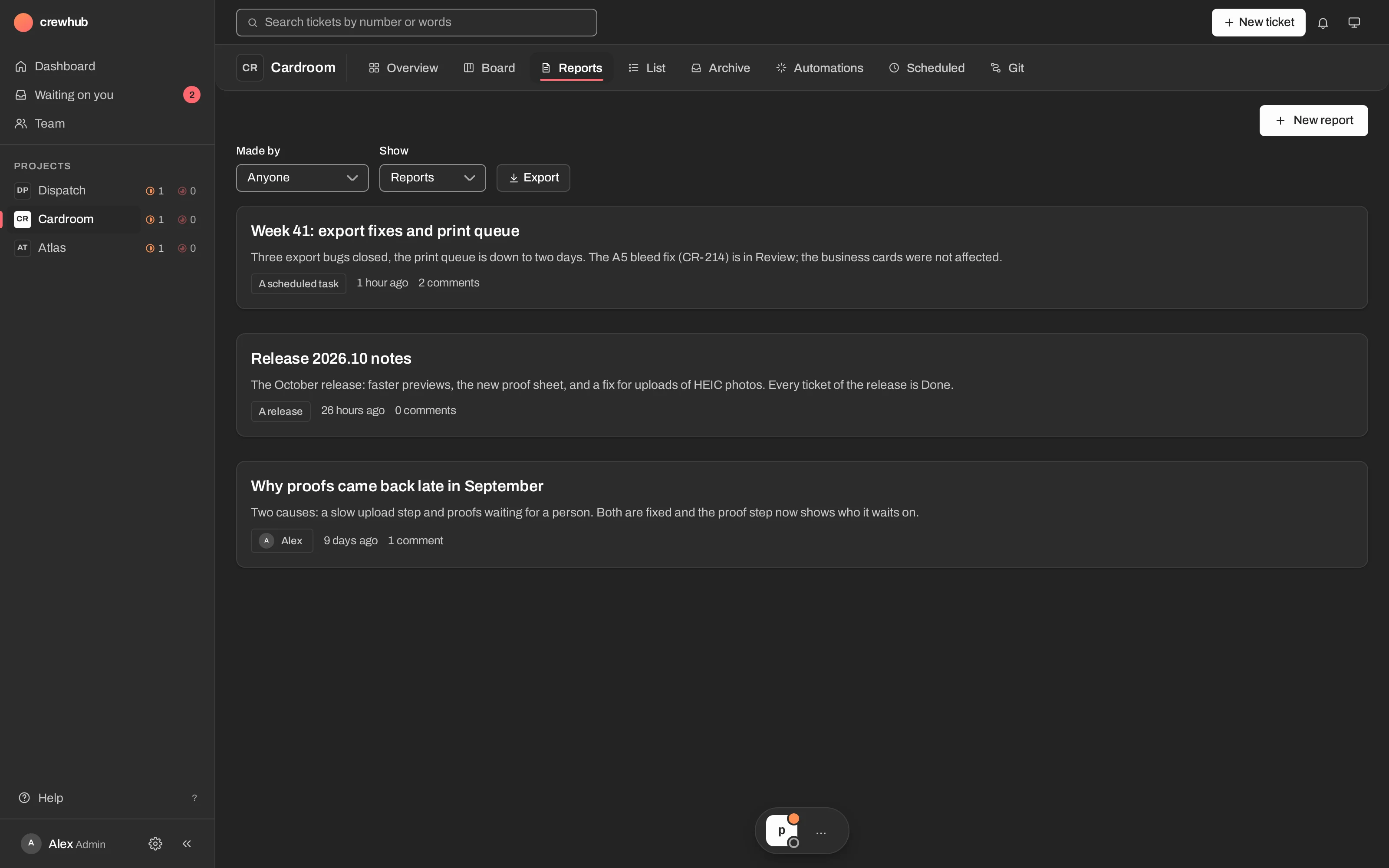
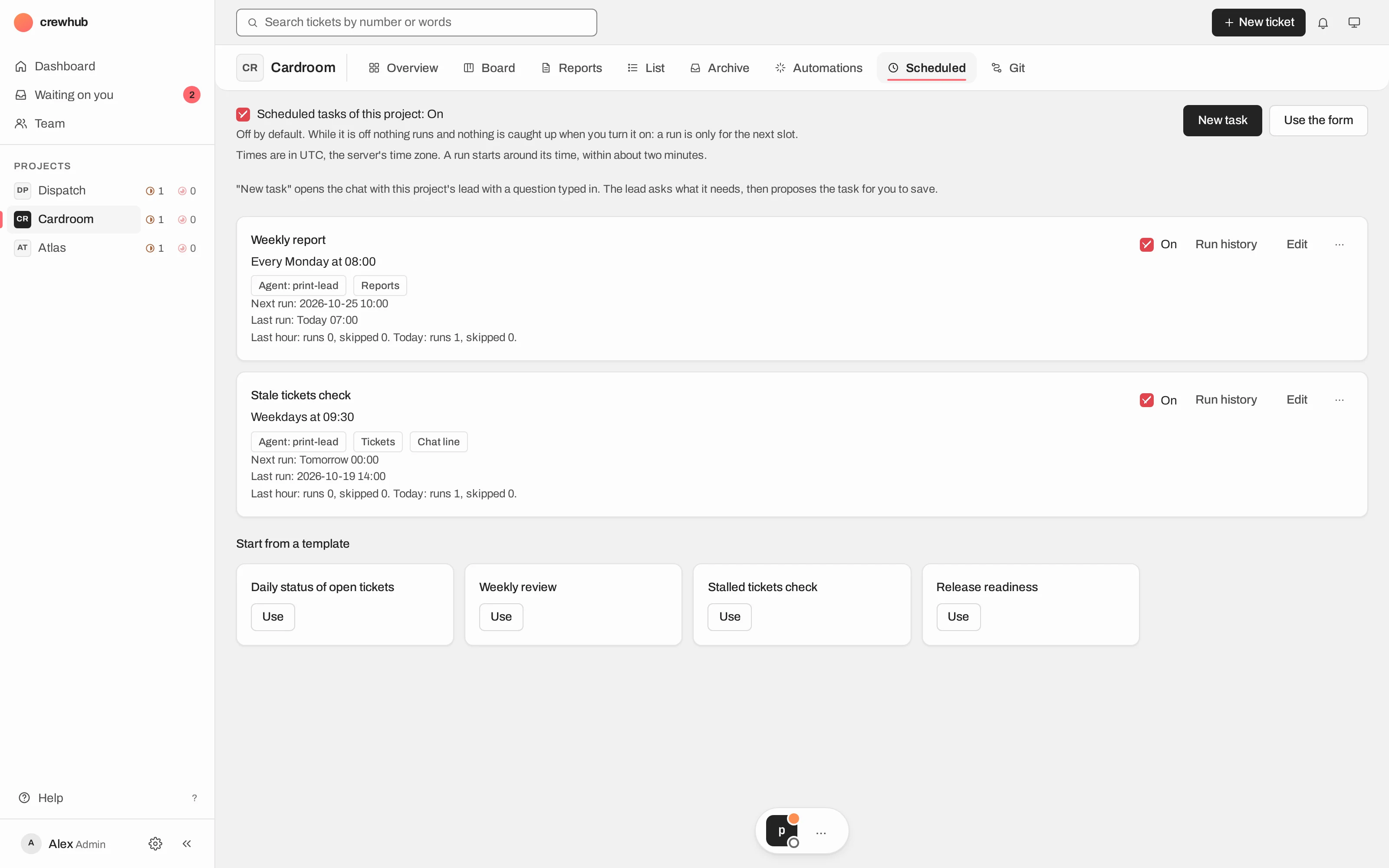
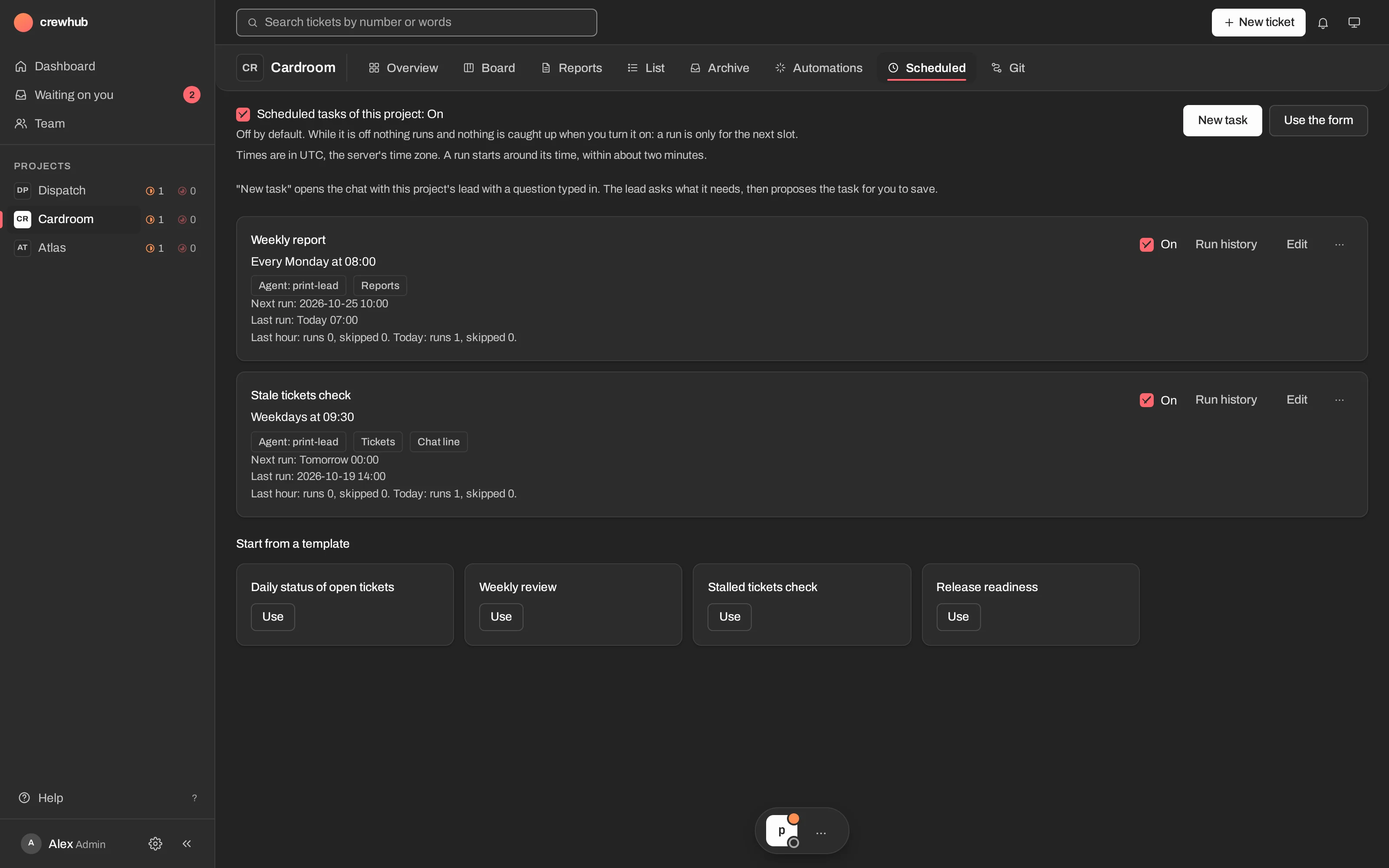
"If this, then that" on tickets, drawn as a graph: a moment, a who, a label, joined by arrows. Add scheduled tasks for work that comes back every weekday. A lead may propose one, but a person always decides.
RulesAutomations graphScheduled tasksSee who is working
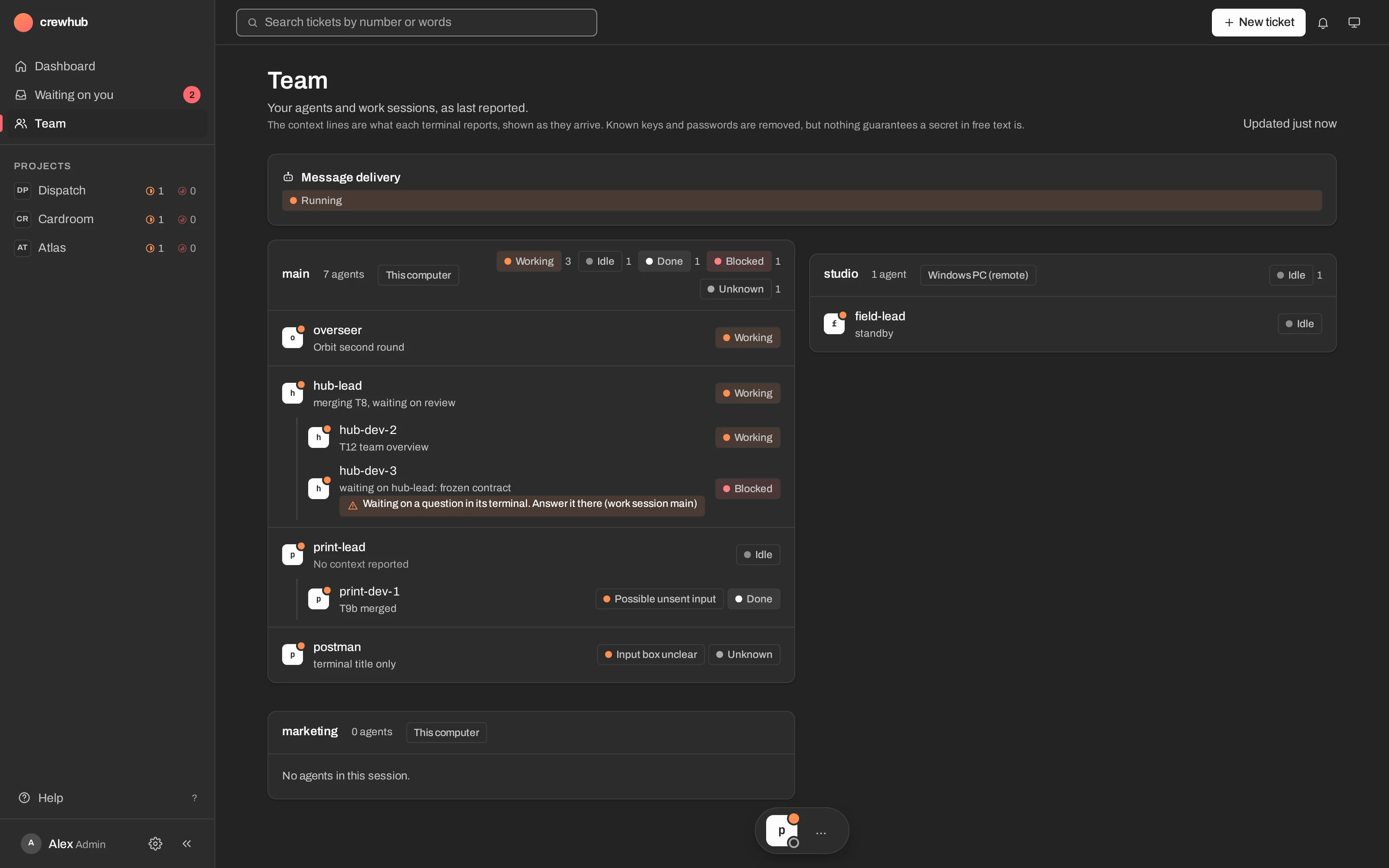
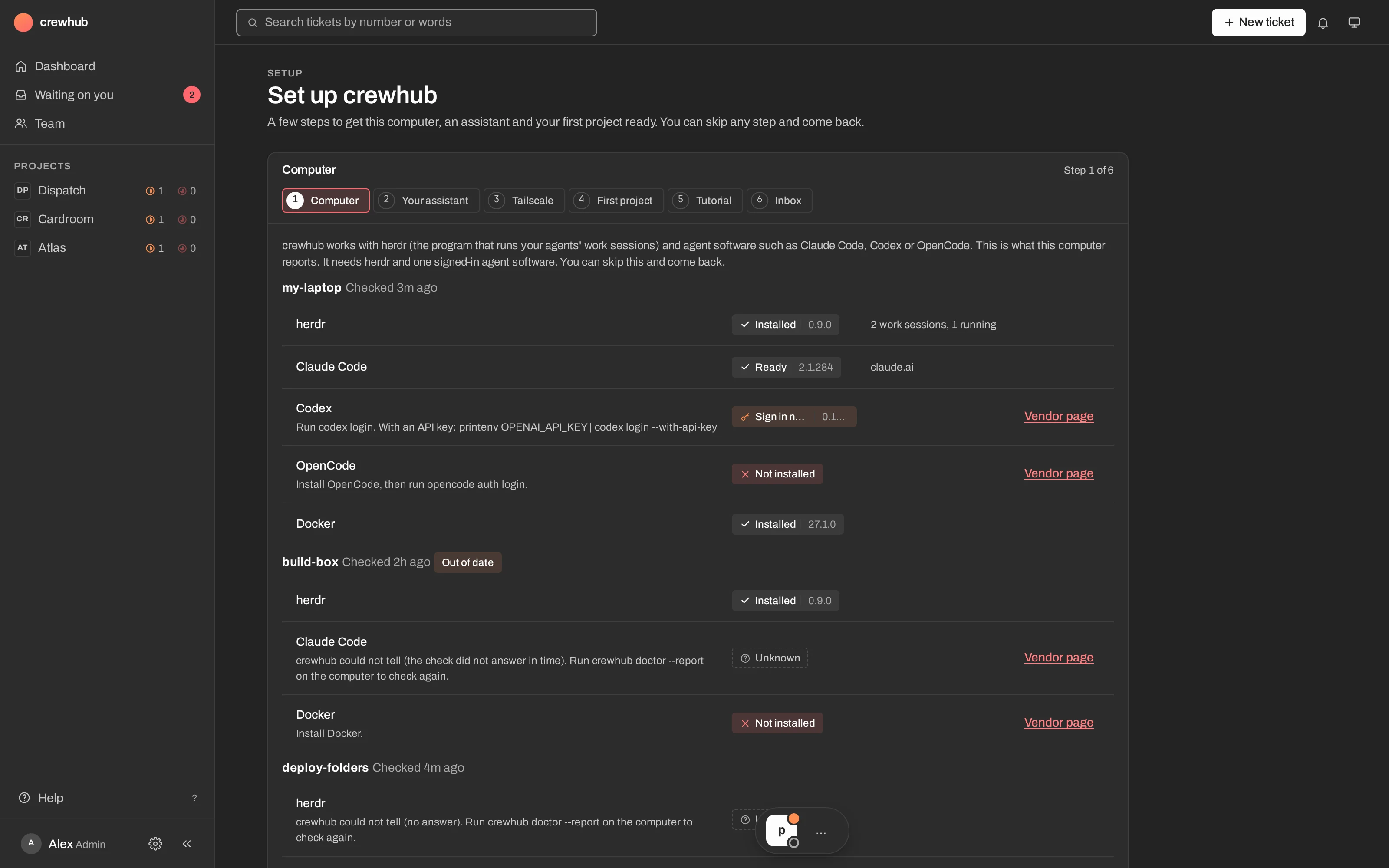
The Team page shows every lead and its workers: working, blocked, idle or done. When an agent waits on a question in its terminal, the web says so, so nothing stalls unseen.
TeamWorkersWaiting on you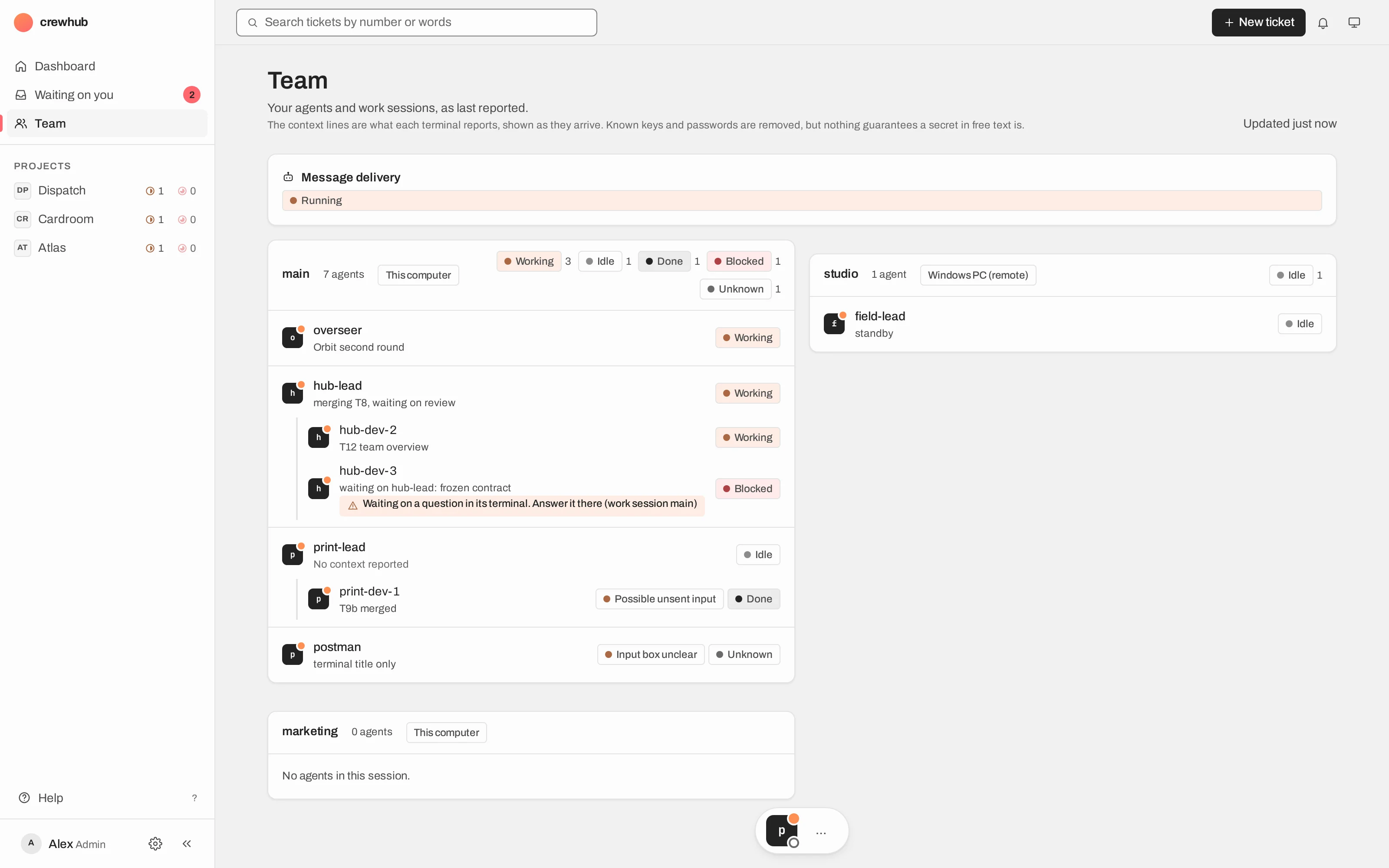
Chat with your lead
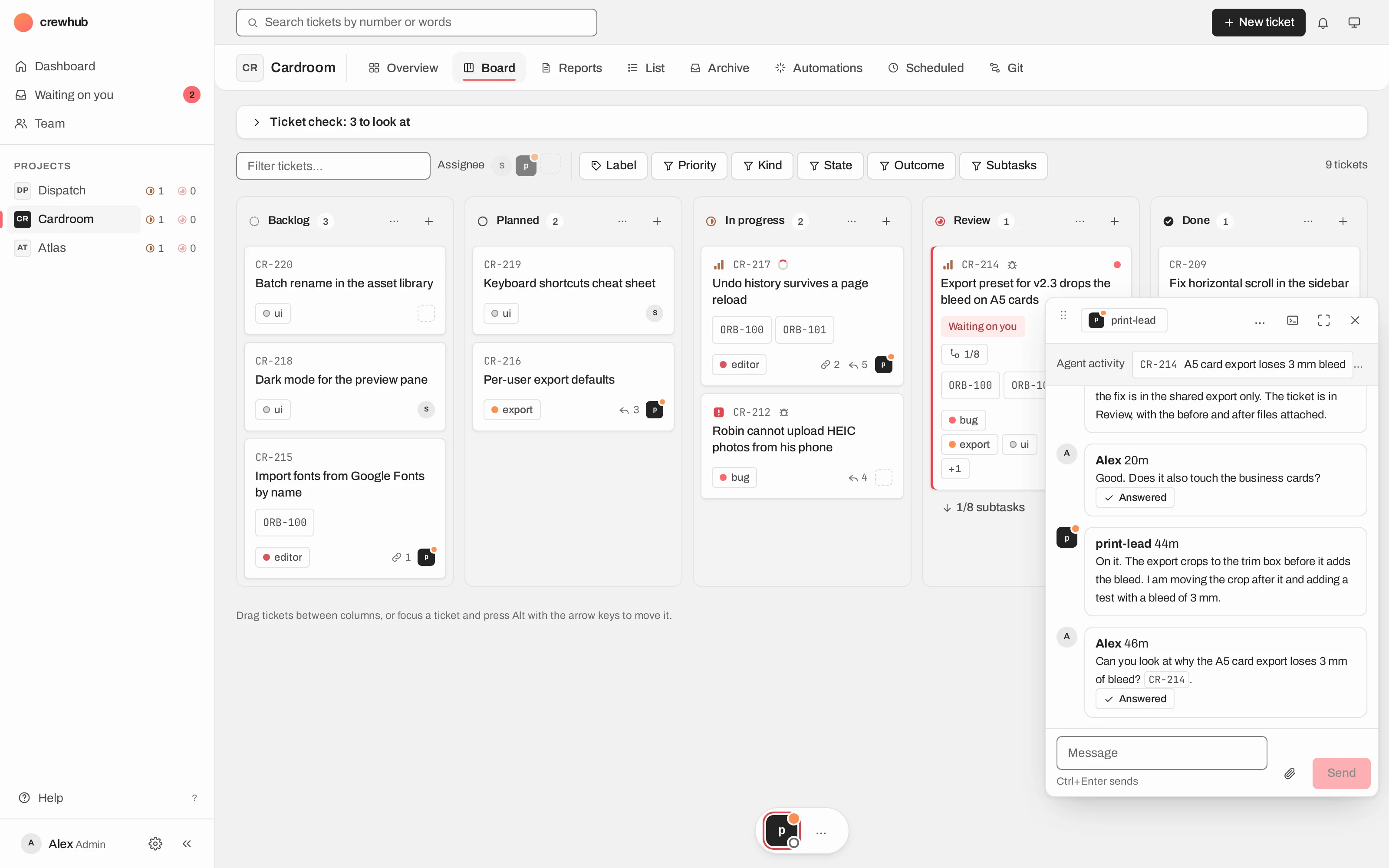
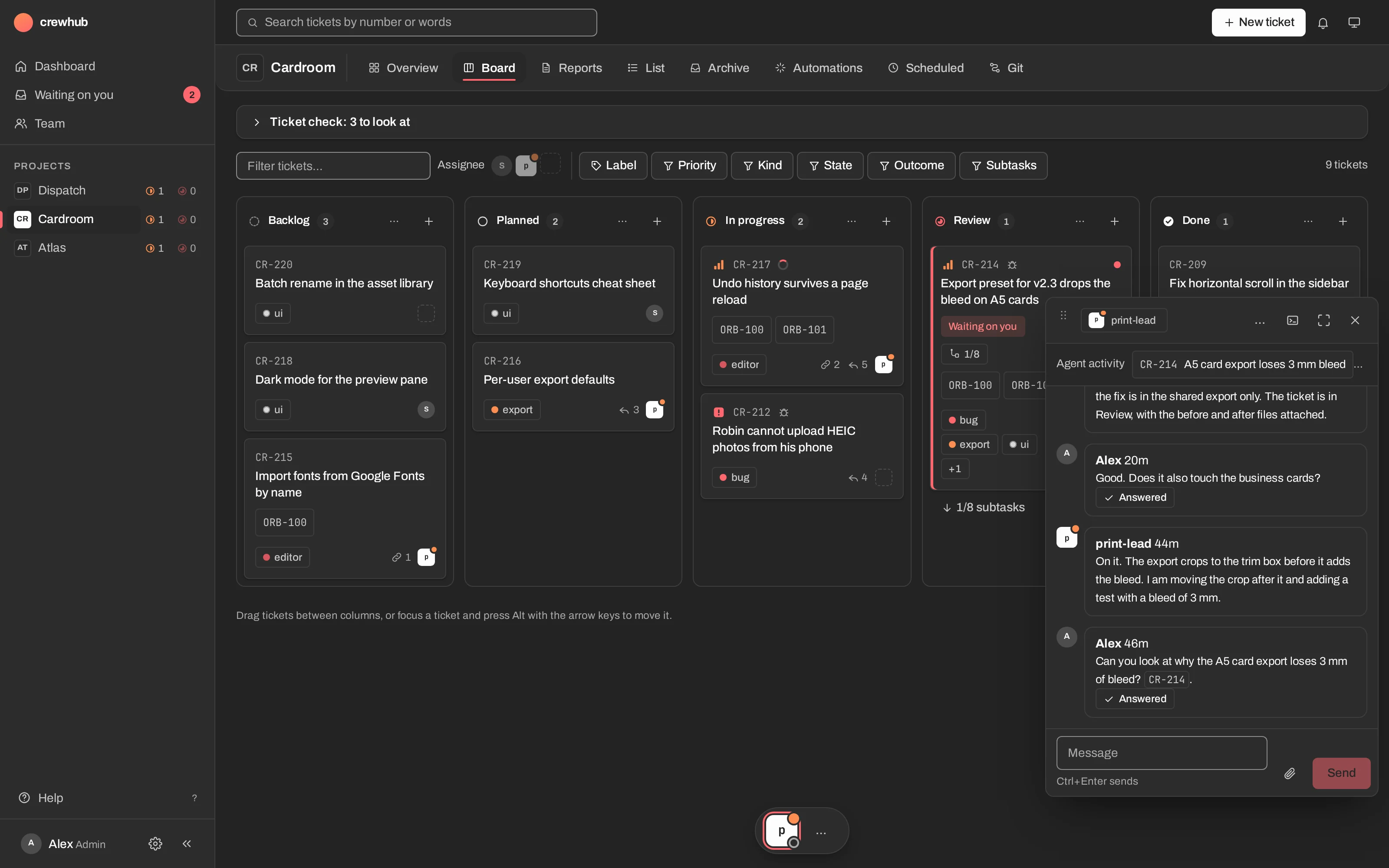
Every agent has a chat in the dock at the bottom of the screen. Ask a lead about a ticket and it answers in the thread, with images and diagrams inline. Your messages show when they were delivered and answered.
Chat dockImages & mermaidDelivered & answered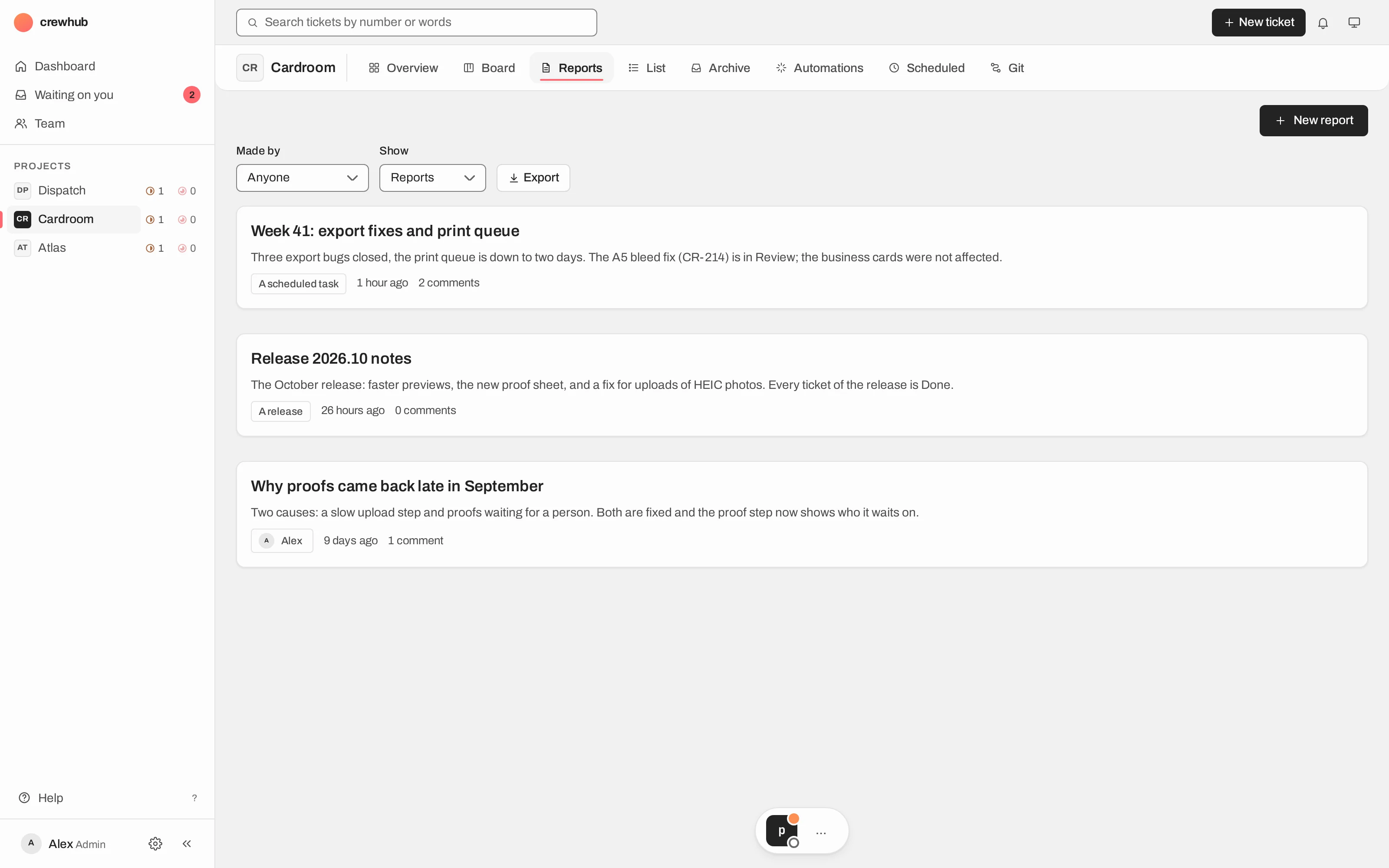
Your computer, your keys, your click.
Runs on your own computer or server. Reach it from your other devices over Tailscale.
Every agent has its own key. Workers get a read-only one. Outside bots get a key with an exact route table and a read log.
Anything an agent does on your behalf waits on a confirm card that names the action.
The release is signed, and install.sh checks the signature and checksums before it writes anything.
Up and running in one sitting.
crewhub-loops is heading to a beta. On Linux and Windows (WSL) it installs from a signed release; crewhub setup then checks your machine and starts the crewhub lead and the postman.
On a Mac, the Mac app holds everything, server included, with no Docker. It updates itself and keeps your data.
Downloads and the install guide open with the beta. Join the Discord or follow the blog to hear when.
Join DiscordRead the blogWhere things stand
- WorksLinux, macOS, and Windows through WSL. Native Windows is not planned.
- WorksThe Git tab for GitHub. Bitbucket is only partly supported.
- In progressRemote work sessions: agents on another computer, Windows first.
- In progressStarting a new lead from the web on a server install.
- PlannedA notarised Mac app and a public beta.
Docs and releases
Releases are dated (v2026.10.21), and the docs live with the code. Both open with the beta.