
Quick Start
Get CrewHub up and running in under 5 minutes. Choose the option that matches your setup.
Prerequisites
| Requirement | Version | Install |
|---|---|---|
| Git | Any recent | git-scm.com |
| Python | 3.11+ | python.org |
| Node.js | 18+ | nodejs.org |
| Claude Code CLI | Latest | Anthropic Docs (Option 1 only) |
| Docker | 20+ | docker.com (Option 2 only) |
The Claude Code option gives you full interactive features: chat, meeting generation, prop creation, and agent sessions you can reply to directly from CrewHub.
Mac / Linux
# 1. Clone the repo
git clone https://github.com/EKINSOL-DEV/crewhub.git
cd crewhub

# 2. One-time setup (checks prereqs, creates venv, installs deps)
./scripts/setup.sh

# 3. Start CrewHub
./scripts/start.sh
Windows (PowerShell)
# 1. Clone the repo
git clone https://github.com/EKINSOL-DEV/crewhub.git
cd crewhub

# 2. One-time setup
.\scripts\setup.ps1

# 3. Start CrewHub
.\scripts\start.ps1
Open http://localhost:5181 in your browser.
The onboarding wizard will automatically detect your Claude Code installation. Follow the steps to finish setup.
Onboarding Wizard
When you first open CrewHub, the onboarding wizard walks you through connecting your agents:
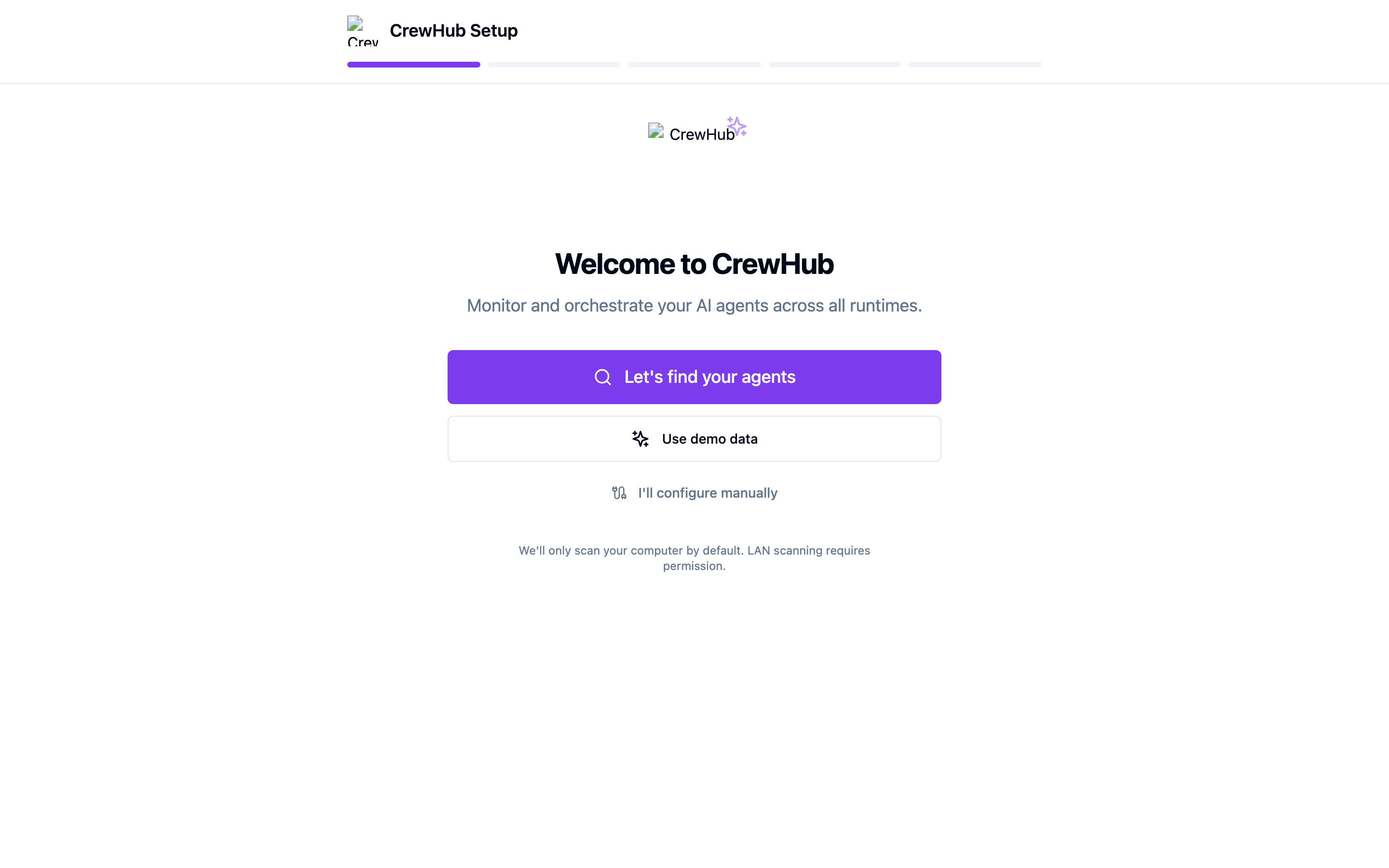
Step 1 — Find Your Agents
CrewHub shows a welcome screen with three options: auto-detect agents, use demo data to explore, or configure manually.
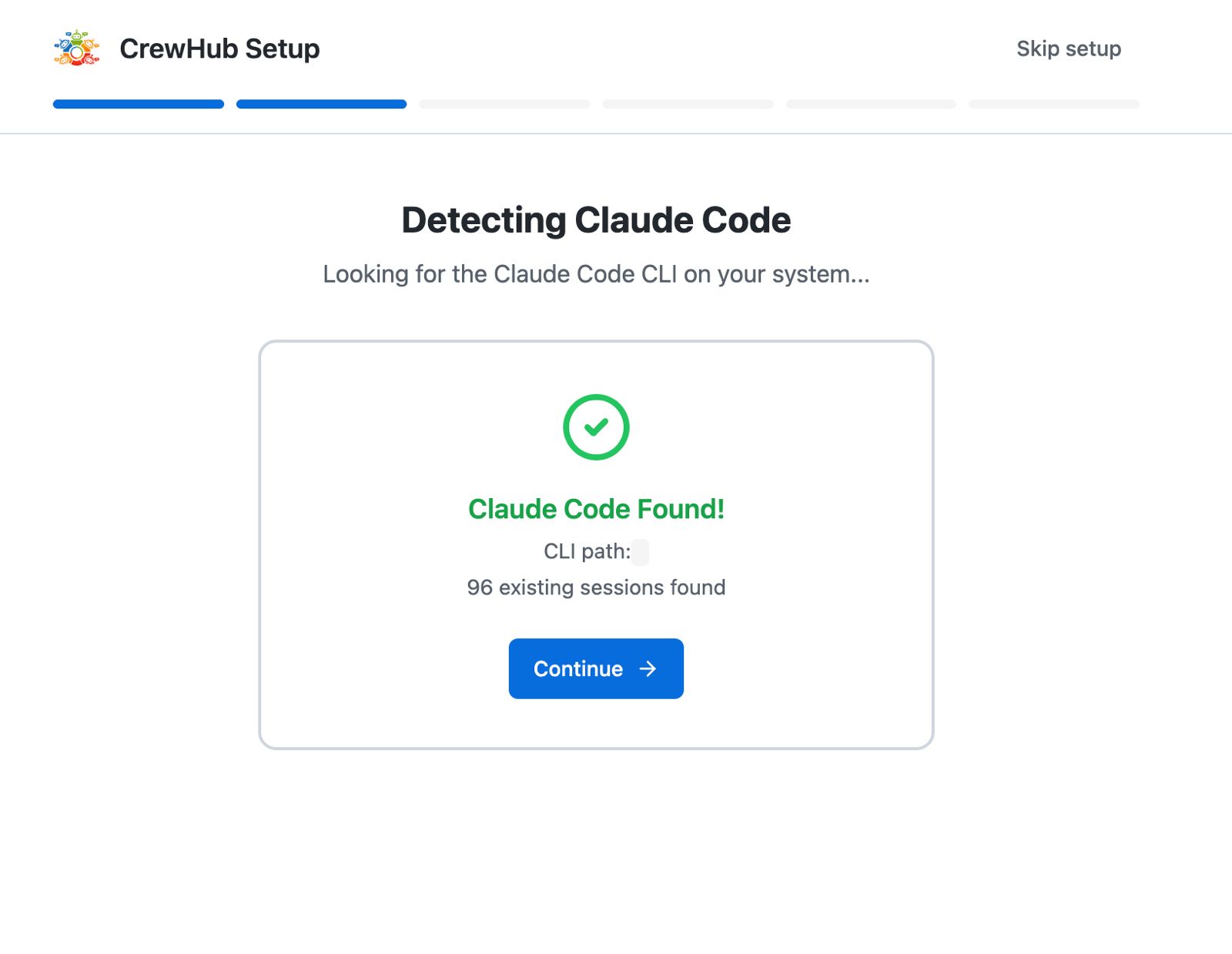
Step 2 — Agent Detection
If you click "Let's find your agents", CrewHub scans for Claude Code and OpenClaw installations. Auto-detected connections get a green checkmark.
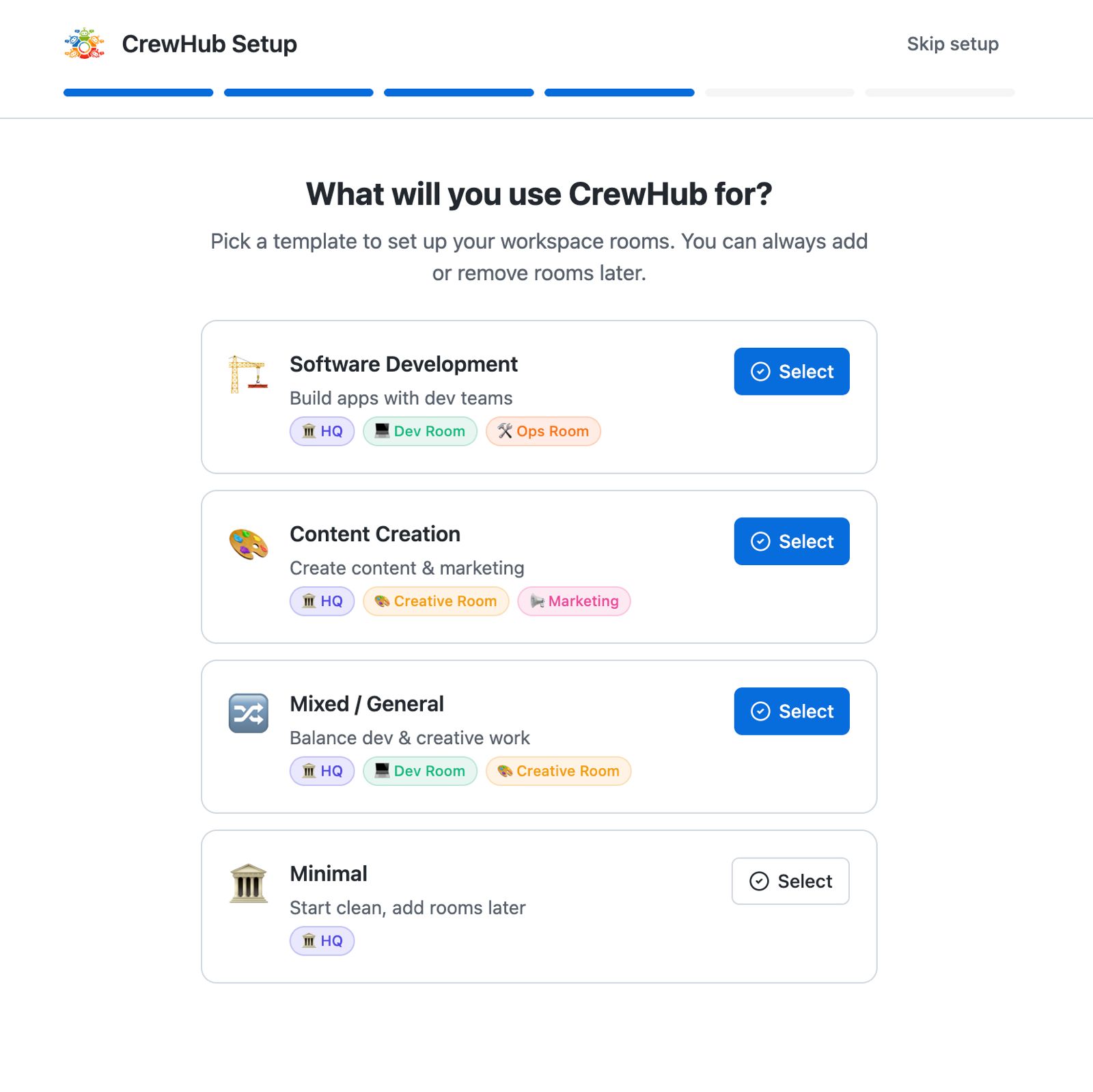
Step 3 — Room Setup
Optionally organize your agents into rooms. You can skip this and do it later from the sidebar.
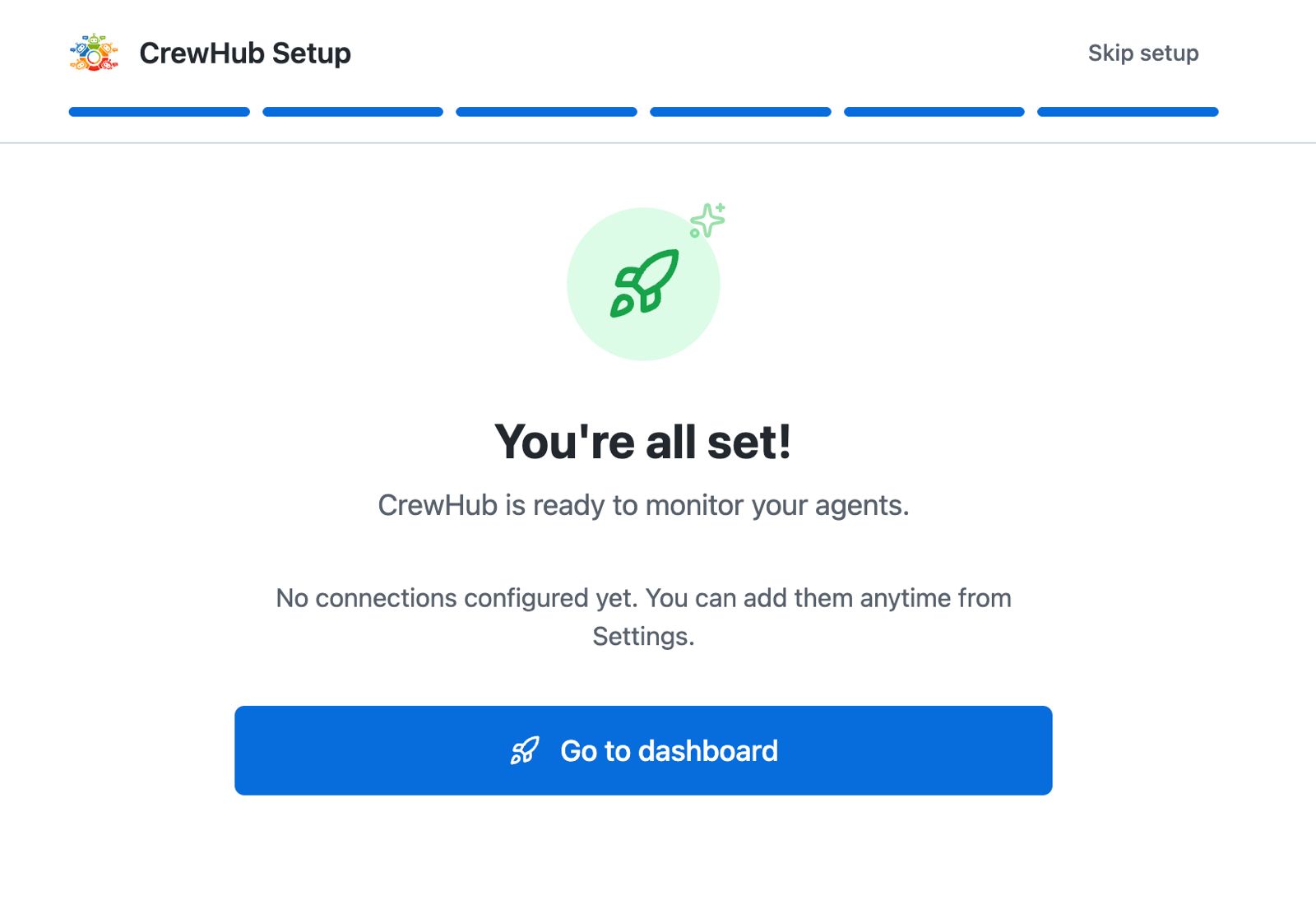
Step 4 — You're All Set!
CrewHub is ready. Your agents appear in the dashboard, the 3D world loads, and live updates start streaming.
If you have Claude Code installed, CrewHub will find it automatically. Just click "Let's find your agents" in the wizard and it handles the rest.
You're Live!
Once connected, you'll see:
- All your running Claude Code sessions appear as agent cards
- Live activity updates — what each agent is currently doing
- The 3D World with animated bots representing each session
- The HQ Task Board for managing work across your team